Buying a new TV box is easy. Choosing the right one for your home is harder. If you are considering the DIGIBOX D6 MAX in the United States, the best approach is not to focus on one specification or one channel claim. Instead, ask the practical questions that will determine how well the device fits your television, internet connection, viewing habits, and expectations.
The DIGIBOX D6 MAX combines Android 12, 4GB RAM, 64GB eMMC storage, dual-band Wi-Fi 6, Gigabit Ethernet, Bluetooth 5.4, and a Voice Air Mouse remote. It is designed as a flexible home entertainment device for compatible apps, media, and everyday big-screen use.
Before ordering, visit the DIGIBOX official website, browse the DIGIBOX shop, or review the current DIGIBOX D6 MAX product page.
Here are the 15 questions every US buyer should ask before placing an order.
1. What Exactly Is the DIGIBOX D6 MAX?
The DIGIBOX D6 MAX is an Android-based TV box that connects to a compatible television, monitor, or projector through HDMI. It adds internet-connected entertainment, compatible Android apps, local-media playback, and other smart functions to your screen.
The current hardware configuration includes Android 12, a quad-core Cortex-A53 processor, Mali-G31 MP2 graphics, 4GB DDR3 RAM, and 64GB eMMC storage.
If you want the full specifications, ports, and feature breakdown before buying, see the DIGIBOX D6 MAX guide.
2. Will DIGIBOX D6 MAX Work With My TV?
For most buyers, the simplest requirement is an available HDMI input. Connect the DIGIBOX D6 MAX to the television through HDMI, select the matching HDMI source on the TV, connect the power adapter, and complete the on-screen setup.
Before ordering, look at the back or side of your television and confirm that an HDMI port is available. Also check the display resolution supported by your television because buying hardware capable of decoding high-resolution video does not automatically upgrade the physical resolution of an older screen.
3. Is 4GB RAM and 64GB Storage Enough?
For typical living-room use, 4GB RAM and 64GB built-in storage provide a practical foundation for navigation, compatible applications, updates, and local files.
The important point is to think about how you plan to use the TV box. If you mainly watch entertainment and install a reasonable number of applications, 64GB gives considerably more flexibility than very low-storage streaming devices.
Storage also matters because apps, cache files, updates, and downloaded media gradually consume space over time.
4. What Can You Watch on DIGIBOX?
This is one of the most important questions for most households.
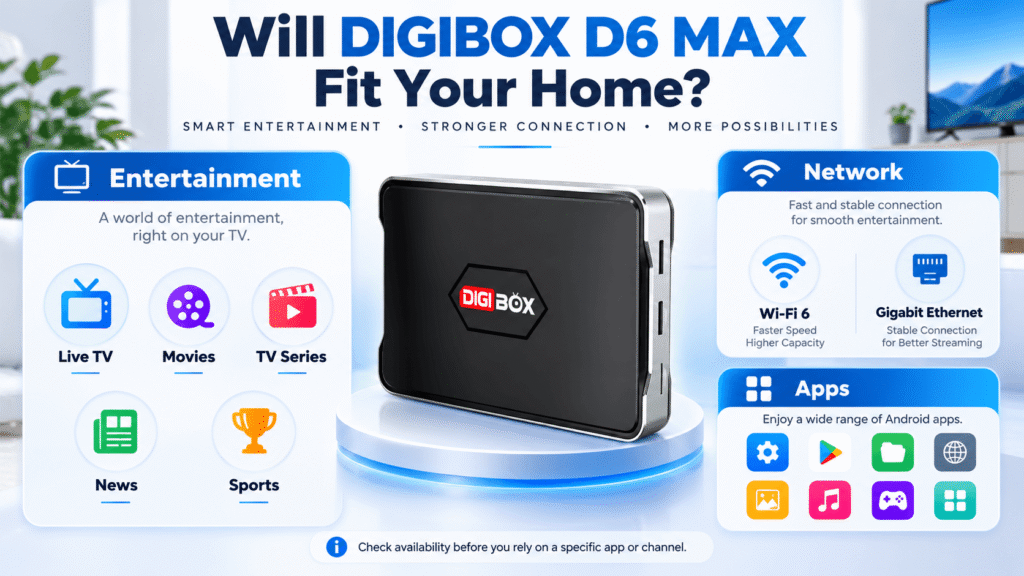
The DIGIBOX entertainment experience is designed around more than simply installing random third-party apps. DIGIBOX-related content guides describe live and on-demand entertainment categories that can include international programming, movies, TV series, news, variety shows, cartoons, family entertainment, and sports-related content.
For multilingual and overseas households, the ability to browse entertainment from different regions and languages can be one of the main reasons to consider a DIGIBOX TV box.
For more details, read what you can watch on DIGIBOX D6 MAX and the DIGIBOX channel list guide for the USA and Canada.
5. Can I Install My Own Apps?
Yes. The Android-based system allows users to install compatible applications from supported and legitimate sources.
That gives the DIGIBOX D6 MAX a second layer of flexibility: you can begin with the DIGIBOX entertainment environment and then add compatible third-party applications according to your own needs.
The key word is compatibility. An Android operating system does not guarantee that every phone app, streaming platform, resolution, or account feature will work identically on every TV box.
Our DIGIBOX app compatibility guide explains what to check before relying on a particular app.
6. Does DIGIBOX Require a Monthly Fee?
Owning the DIGIBOX hardware itself does not create a recurring hardware subscription from the retailer.
However, third-party services are separate. If you install an app that normally requires a paid account or subscription, the provider may charge its own fees.
That is why buyers should distinguish between the DIGIBOX D6 MAX hardware, its available entertainment environment, and independent third-party services.
7. Is DIGIBOX Legal in the US?
DIGIBOX TV box is legal itself as an Android device in the USA. For a more detailed explanation, read Is DIGIBOX Legal in the USA and Canada?.
8. Should I Use Wi-Fi 6 or Ethernet?
The DIGIBOX D6 MAX supports both dual-band Wi-Fi 6 and 10/100/1000 Mbps Gigabit Ethernet.
Wi-Fi is convenient when your router is in another part of the room, or you prefer a cleaner installation. Ethernet can be useful when the router is nearby, and you want the most consistent wired connection possible.
For live viewing and sports, connection stability can matter as much as maximum download speed.
If you are unsure which connection to choose, see our DIGIBOX Wi-Fi vs Ethernet guide.
9. What Should I Know About Buffering?
Not every buffering problem is caused by the TV box. Playback also depends on internet speed, router placement, Wi-Fi congestion, source quality, application servers, and the service you are using.
Before assuming the hardware has a fault, test another app, restart the router, check the network signal, and compare Wi-Fi with Ethernet if possible.
Keeping the DIGIBOX D6 MAX in a ventilated location and avoiding unnecessary background applications can also help maintain consistent everyday performance.
10. Is DIGIBOX D6 MAX Setup Difficult?
A normal DIGIBOX D6 MAX setup is straightforward:
- Connect DIGIBOX D6 MAX to an HDMI input on your television.
- Connect the supplied power adapter.
- Select the correct HDMI input on the TV.
- Connect to Wi-Fi or Ethernet.
- Prepare or pair the remote when required.
- Check for system updates through the supported update method.
- Open or install compatible applications.
For first-time installation, follow our complete DIGIBOX D6 MAX setup guide.
11. Does 8K Support Mean Everything Plays in 8K?
No. This is an important distinction.
The DIGIBOX D6 MAX hardware specification lists H.265 decoding up to 4K at 60fps and 8K at 24fps. That describes decoding capability under compatible conditions; it is not a promise that every app, channel, movie, or television will output native 8K video.
Actual picture quality can depend on:
- Source resolution
- App support
- Internet bandwidth
- HDMI equipment
- Your television
- Service-provider restrictions
When comparing a DIGIBOX D6 streaming box with another device, look beyond the largest resolution number printed in the specifications.
12. What Comes in the Box?
The current product listing includes the DIGIBOX D6 MAX, Bluetooth Voice Air Mouse remote, USB-C power adapter, and user documentation as the main package contents.
The current promotion also lists bonus accessories such as a wireless mini keyboard, an 8K-rated HDMI cable, and a remote protective cover.
Promotional gifts can change, so check the live product page immediately before ordering rather than relying on an older screenshot or blog post.
13. How Does DIGIBOX Compare With Other Streaming Boxes?
If your main priority is a mainstream app ecosystem and a compact device, a familiar streaming stick may suit you. If you care more about DIGIBOX’s hardware configuration, international viewing options, storage, Ethernet, and its entertainment-oriented interface, the DIGIBOX D6 MAX may be more appropriate.
You can compare the differences in our DIGIBOX D6 MAX vs Fire TV Stick 4K Max guide.
Buyers also comparing international TV-box brands can review DIGIBOX D6 MAX vs EVPAD 12P.
14. Where Should I Buy a Genuine DIGIBOX?
If you are wondering where to buy genuine DIGIBOX online, do not judge a seller by a product photo or domain name alone.
Check whether the seller clearly identifies its business relationship, warranty policy, return process, contact information, shipping terms, and after-sales support.
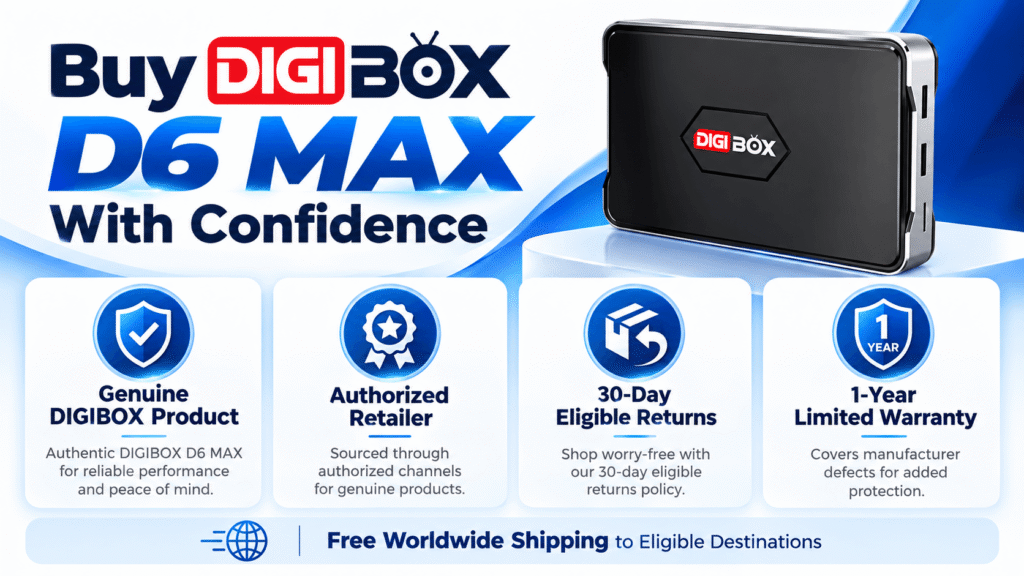
This website is independently operated by an official authorized DIGIBOX retailer serving US customers. Products sold through the site are genuine DIGIBOX products supplied through an authorized retail channel.

15. What Are the Current Price, Shipping, Return, and Warranty Terms?
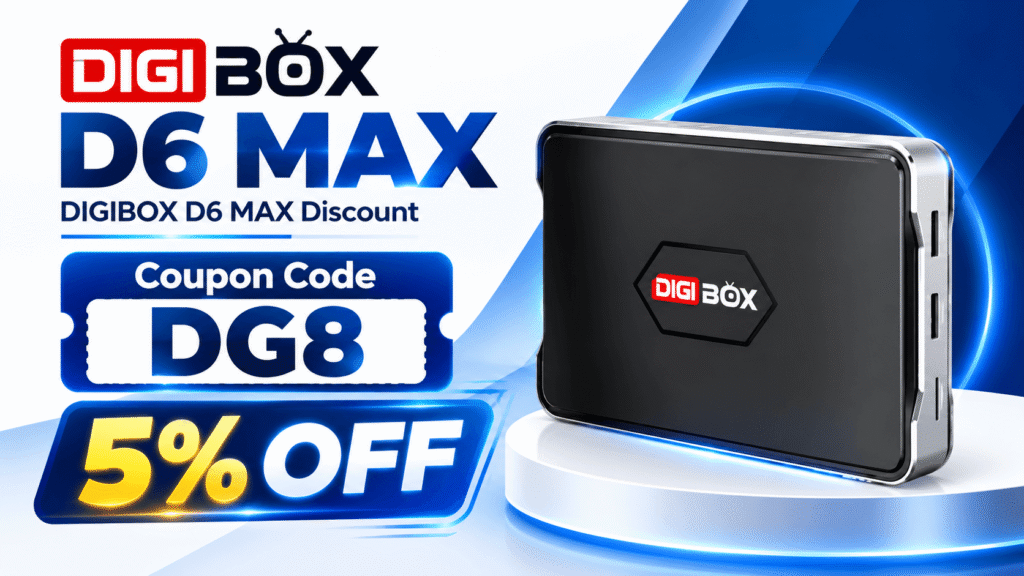
At the time this guide was prepared, the DIGIBOX D6 MAX product page listed a sale price of $328. It is on a special sale now. Use the DIGIBOX D6 MAX coupon code DG8 to save 5% OFF.
The store provides free worldwide shipping to eligible destinations, with US fulfillment available for supported domestic orders.
Eligible hardware purchased directly from this retailer currently includes a one-year limited warranty. Eligible return requests can be submitted within 30 calendar days of delivery, subject to the store’s published conditions, and approved returns are processed through a US return facility.
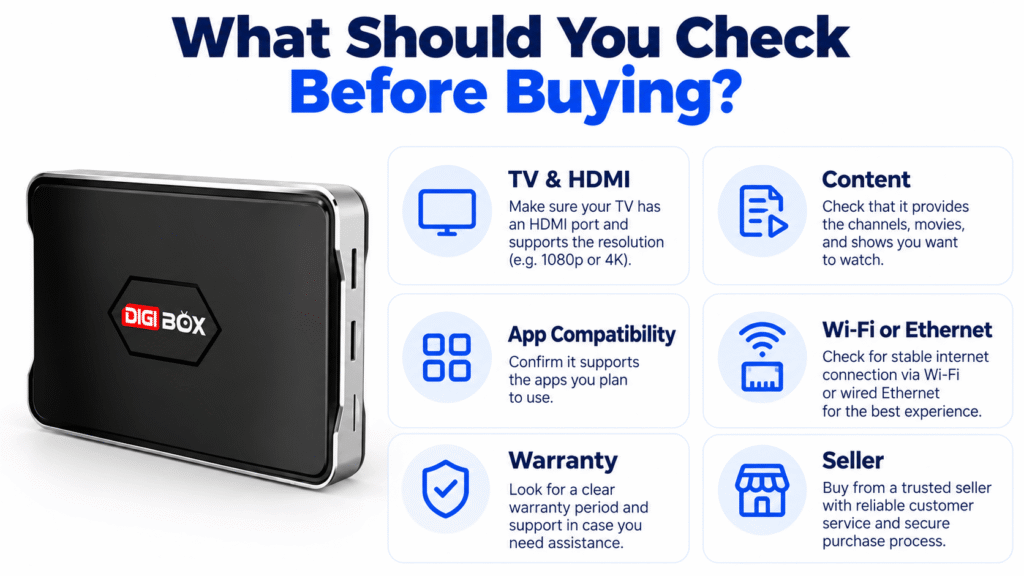
Final Checklist Before You Order DIGIBOX D6 MAX
Before clicking the Buy button, make sure you can answer these questions:
- Does my TV have a compatible HDMI input?
- Do the entertainment categories fit what my household watches?
- Have I checked any specific apps or channels that matter to me?
- Will I use Wi-Fi or Ethernet?
- Do I understand that 8K decoding is not the same as guaranteed 8K streaming?
- Have I checked the latest package contents and promotional gifts?
- Have I reviewed the return and warranty conditions?
- Am I buying from a genuine authorized sales channel?
For another practical overview before buying, read our full DIGIBOX D6 MAX review.
Ready to Buy DIGIBOX D6 MAX?
The DIGIBOX D6 MAX can be a practical choice for US households that want a flexible Android TV box with 4GB RAM, 64GB storage, Wi-Fi 6, Gigabit Ethernet, a voice Air Mouse remote, international entertainment options, and support for compatible Android applications.
Visit the DIGIBOX official website or browse the DIGIBOX shop for current availability.
Current offer: enter coupon code DG8 at checkout to receive 5% OFF your DIGIBOX D6 MAX order.