
A living-room TV box is often shared by everyone in the household. That makes the DIGIBOX streaming box convenient, but it also makes account sign-ins, app choices, and Wi-Fi access worth a quick review. Privacy is not a mysterious setting hidden in the hardware; it is a series of small choices you can check.
The current DIGIBOX D6 MAX product listing identifies Android 12, Wi-Fi 6, Gigabit Ethernet, Bluetooth 5.4, and a voice Air Mouse remote. None of those specifications alone promises that every installed app handles personal information the same way. Use the checklist below for the particular apps and accounts your family uses.
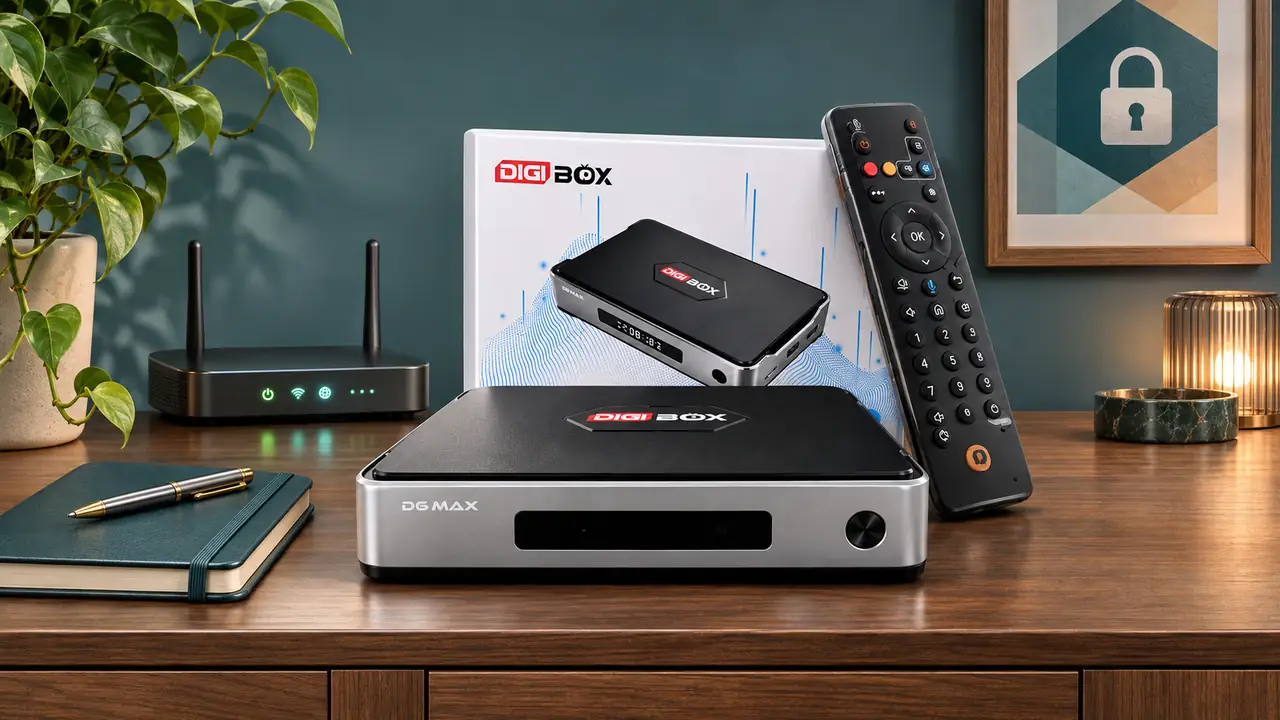
Treat the television as a shared screen
Before signing in to a personal service, ask who else can pick up the remote. A streaming app may display watch history, account names, purchases, or recommendations. If the app supports separate profiles or a PIN, use those controls for the people who share the television. Avoid leaving a payment method saved in an app when it is not needed; that choice belongs to the app account, not to a DIGIBOX subscription.
For a guest or child, let them use the app’s own profile or viewing controls if available. Do not assume one universal DIGIBOX D6 MAX PIN controls every third-party service. Our family viewing and parental-controls guide explains why settings need to be checked in the relevant app as well as on the device.
Keep app sources and permissions understandable
The DIGIBOX D6 MAX has a built-in viewing environment and can run compatible Android applications. Before adding another app, confirm who publishes it, whether you trust the download source, what permissions it requests, and whether it requires an account. A random APK link, copied from a forum or message, is not a reliable substitute for a verified publisher. If you do not recognize an app, do not grant access simply to get past a prompt.
Our DIGIBOX app installation guide separates built-in apps, supported app stores, and APK installation. The exact permission menus can vary by installed software. In Settings, review the installed-app list and any permissions the interface exposes; remove unused apps you no longer trust. Do not disable a security scan merely because an unknown download asks you to.
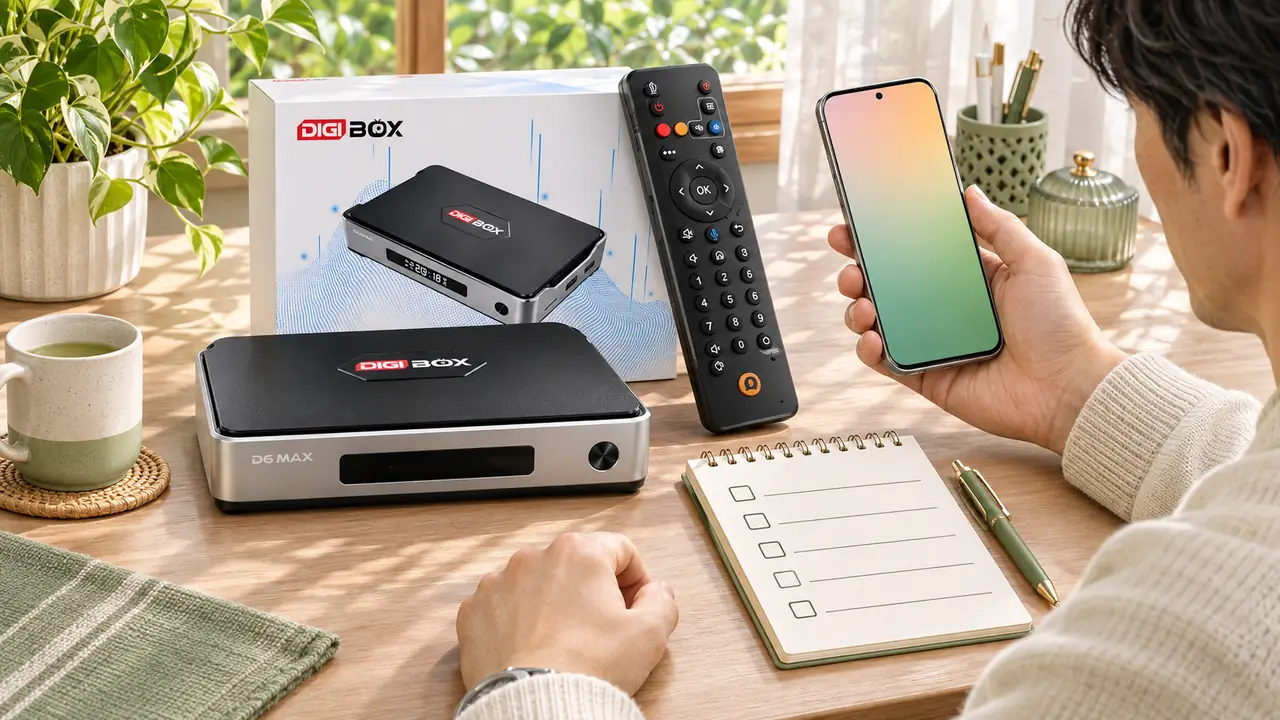
Secure the connection around the box
A home router protects more than the television. Use a strong Wi-Fi password and current router security mode, keep router firmware current, and avoid giving your main Wi-Fi password to every visitor. A guest network can be useful if your router supports one. DIGIBOX D6 MAX can also use its Gigabit Ethernet port when a cable is convenient; a wired connection changes the path, but it does not replace account security.
If the box frequently disconnects or you are deciding between wired and wireless, the DIGIBOX Wi-Fi and Ethernet article helps you check signal and placement. A private network should still be tested for ordinary stability; security controls do not make a poor connection fast.
Update deliberately; never flash an unverified file
App updates and device firmware are different. A familiar app may update through its own supported store; a firmware package changes the device software. Follow the retailer’s current support instructions and the manufacturer’s verified source before using any firmware file. Do not install a package that merely claims to unlock channels or fix every problem. If a claimed update asks for a payment or personal details unexpectedly, stop and contact support.
For the physical connection and initial settings, use the DIGIBOX D6 MAX setup guide. Device menus can change with software updates, so confirm the current options on your own screen.
For a recurring problem, clearing one app’s cache can be a diagnostic step, but it is not a complete privacy wipe or a substitute for signing out. The DIGIBOX cache guide explains what cache clearing actually changes.

Before selling, gifting, or moving the device
Sign out of personal apps, remove account access where each service allows it, and check for local personal files on attached USB or MicroSD storage. If the device will change hands, ask support for the correct reset procedure and verify that your accounts are no longer shown after resetting. A reset can remove local settings, so make a note of information you will need to set up again.
When traveling, avoid entering important account credentials on an unfamiliar network if you cannot confirm how it is secured. If a hotel or campground login page behaves unexpectedly, use a trusted connection or ask the network operator rather than disabling protections on the box.
Privacy questions that come up at home
Does the voice remote record everything in the room?
The product lists voice input, but this article cannot verify every app’s microphone handling. Review the particular voice feature and app permissions on your device, and avoid assuming all voice services follow one rule.
Are built-in apps the same as third-party apps?
No. App sources and account policies differ. Review what each app requests before signing in or adding payment details.
Does clearing cache sign me out?
Usually cache clearing is a troubleshooting step, not a guaranteed sign-out. Use the app’s sign-out option and verify the account is gone.
Can a guest use the box without my account?
That depends on the apps and profiles available in your setup. Check each service’s profile or guest features before sharing the remote.
Where do I ask about a suspicious update?
Contact the retailer’s support team with the exact message or file name. Our DIGIBOX after-sales guide points buyers to the store’s support route and records to keep.
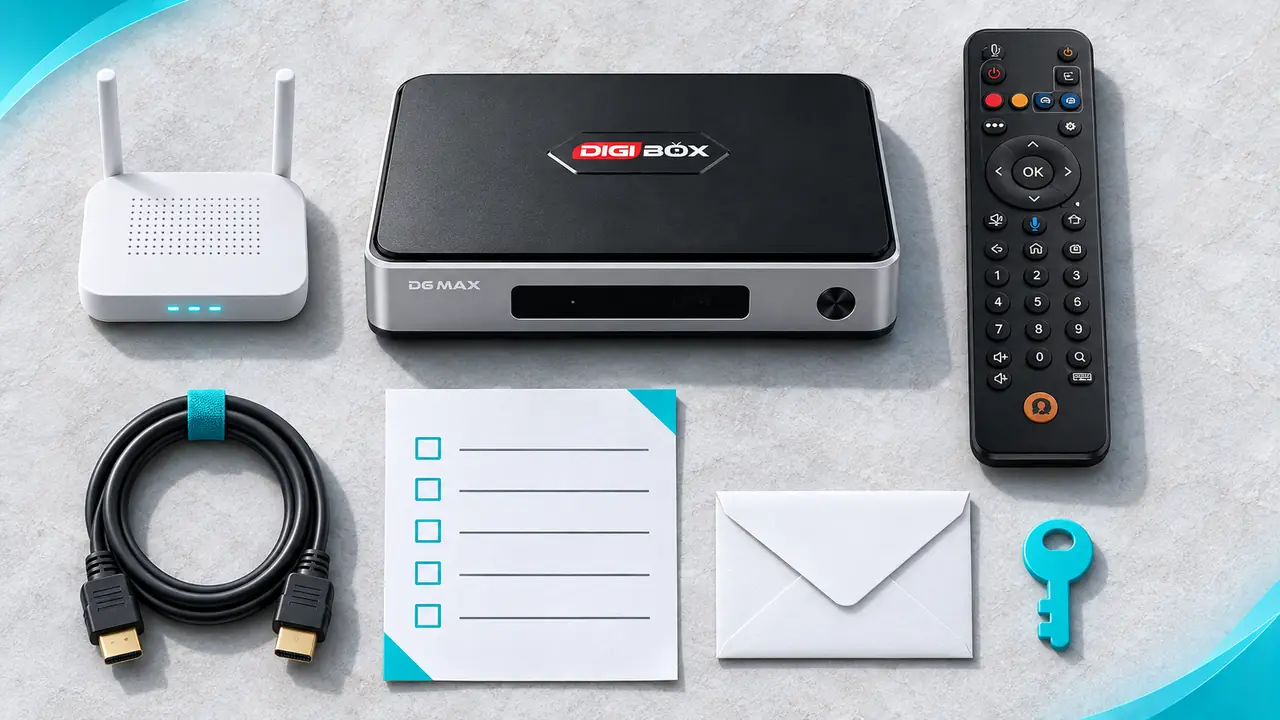
A calmer, safer everyday setup
Review accounts, app sources, permissions, router access, and updates one at a time. The DIGIBOX authorized retailer has the current support route. The DIGIBOX D6 MAX brings the convenience of built-in viewing options without a mandatory DIGIBOX monthly box fee; account choices and internet service remain in your hands.
If you are ready to order, code DG5 currently gives 5% off at checkout. The store lists it as an active percentage coupon. Check the current product details before purchase.