
A DIGIBOX D6 MAX vs Roku Streaming Stick 4K decision is less about the biggest app count and more about what people actually watch together. The DIGIBOX official store presents the DIGIBOX D6 MAX TV box as an Android-based device with built-in entertainment apps, Wi-Fi 6, Gigabit Ethernet, and a voice Air Mouse remote. Roku Streaming Stick 4K takes a simpler stick-and-app approach. Both can suit a family, but they solve different living-room problems.

Start with the household, not the spec sheet
Picture a home where one person wants US news, another prefers Chinese-language dramas, and the kids switch between cartoons and movies. A comparison of resolution alone misses the practical question: how many steps does each person need to find familiar content? DIGIBOX makes its own built-in app ecosystem part of the experience. Its entertainment categories include news, sports, television series, movies, documentaries, and animation. The exact titles and channels can change by app version and region, so no responsible comparison can promise a fixed lineup for every home.
Roku offers a broad app catalog and its own free Roku Channel. That can be excellent if the household already knows which services it uses. DIGIBOX is more compelling when the family wants to explore its built-in viewing environment alongside compatible Android apps. Our guide to what you can watch on DIGIBOX D6 MAX gives a more useful viewing checklist than a headline channel count.
The everyday differences at a glance
| Decision point | DIGIBOX D6 MAX | Roku Streaming Stick 4K |
|---|---|---|
| Viewing approach | Android-based box with DIGIBOX built-in entertainment apps and compatible additional apps | Roku streaming platform with the Roku Channel and apps from its store |
| Networking | Wi-Fi 6 and Gigabit Ethernet | Dual-band Wi-Fi; no built-in Ethernet port on the stick |
| Connections | HDMI, USB, MicroSD, AV, and optical audio | HDMI connection and USB power |
| Remote | Backlit voice Air Mouse remote | Voice remote with TV controls |
| Mandatory platform fee | No monthly DIGIBOX hardware fee | No monthly Roku platform fee |

Where DIGIBOX earns its place in a multilingual home
Built-in viewing can shorten the search
DIGIBOX includes dedicated entertainment apps such as CAT TV, Koala TV, CAT VOD, and CAT BACK. Depending on the current version and location, they can put live viewing, on-demand programs, and catch-up options within one device. That is a tangible advantage for a family whose preferences cross languages and genres. It is still wise to check a must-have channel or show before ordering; an app category is not a guarantee of a specific program.
For context on the built-in apps and how additional compatible apps are handled, see our DIGIBOX app installation guide. This matters if someone in the household also needs a familiar subscription service. Some third-party services may require their own paid accounts; the DIGIBOX hardware purchase does not pay those subscriptions.
A wired connection and more ports give you options
The DIGIBOX D6 MAX offers Wi-Fi 6 and Gigabit Ethernet. Ethernet is especially useful when a busy home network, long viewing sessions, or a weak wireless signal makes consistency more important than a tidy cable-free setup. HDMI connects the display; USB, MicroSD, AV, and optical audio offer additional ways to handle local media or existing equipment. Roku Streaming Stick 4K favors a compact HDMI form and dual-band Wi-Fi, without a built-in Ethernet jack on the stick.
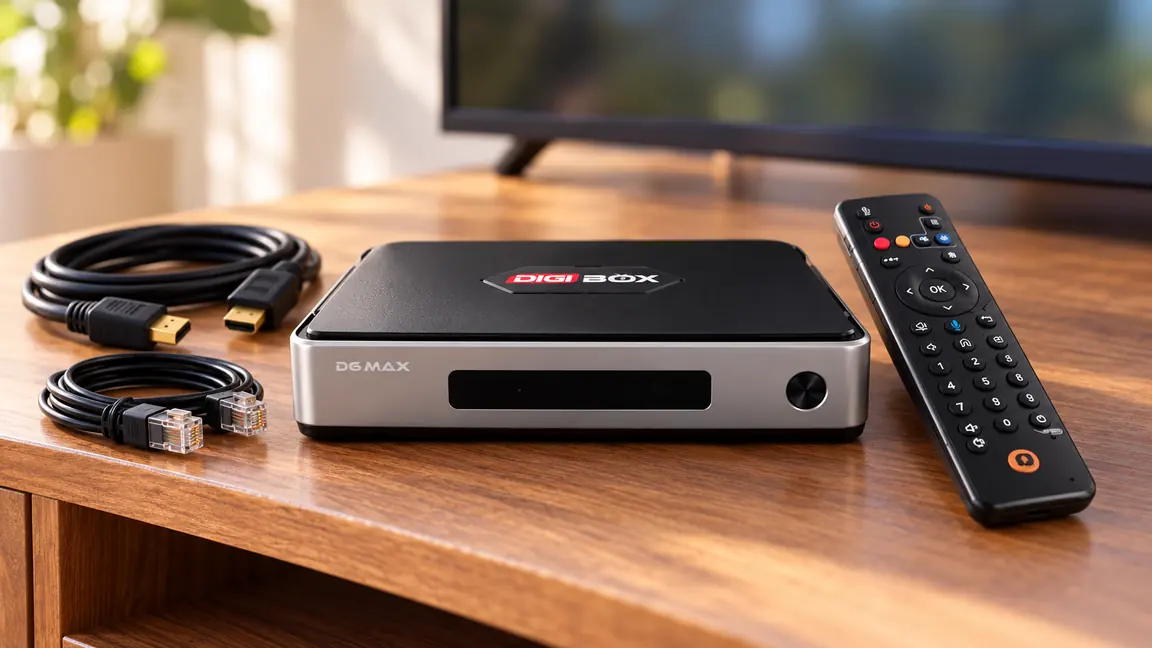
These connections do not automatically make every app play in a particular quality. Video resolution still depends on the source, plan, display, and connection. If your family is comparing a full TV box with a compact stick, the DIGIBOX D6 MAX versus Fire TV Stick 4K Max comparison adds another useful point of reference.
Where Roku may be the easier choice
Roku Streaming Stick 4K is small, plugs directly into HDMI, and uses a straightforward app-led interface. If everyone already pays for the same few mainstream services and wants minimal hardware around the TV, that simplicity may win. Roku also has free viewing through the Roku Channel, so it would be inaccurate to claim that Roku itself requires a monthly fee.
The real cost question is which paid services each family chooses. DIGIBOX has no mandatory monthly fee for the box, while optional third-party subscriptions and home internet are separate decisions. Our DIGIBOX monthly-fee guide for the USA and Canada separates those costs clearly. For orders on this DIGIBOX site, customers pay the listed TV box price, without additional tax, shipping, delivery, or checkout fees.
A practical buying test for two different homes
- Home A: Several languages, varied genres, and a preference for built-in entertainment plus an Ethernet connection. The DIGIBOX D6 MAX is the stronger fit to examine first.
- Home B: One or two known streaming subscriptions, a small TV area, and a preference for a plug-in stick. Roku Streaming Stick 4K may be sufficient.
- Either home: Write down three must-have shows or channels, check current access in the relevant apps, and confirm the TV has an open HDMI input.
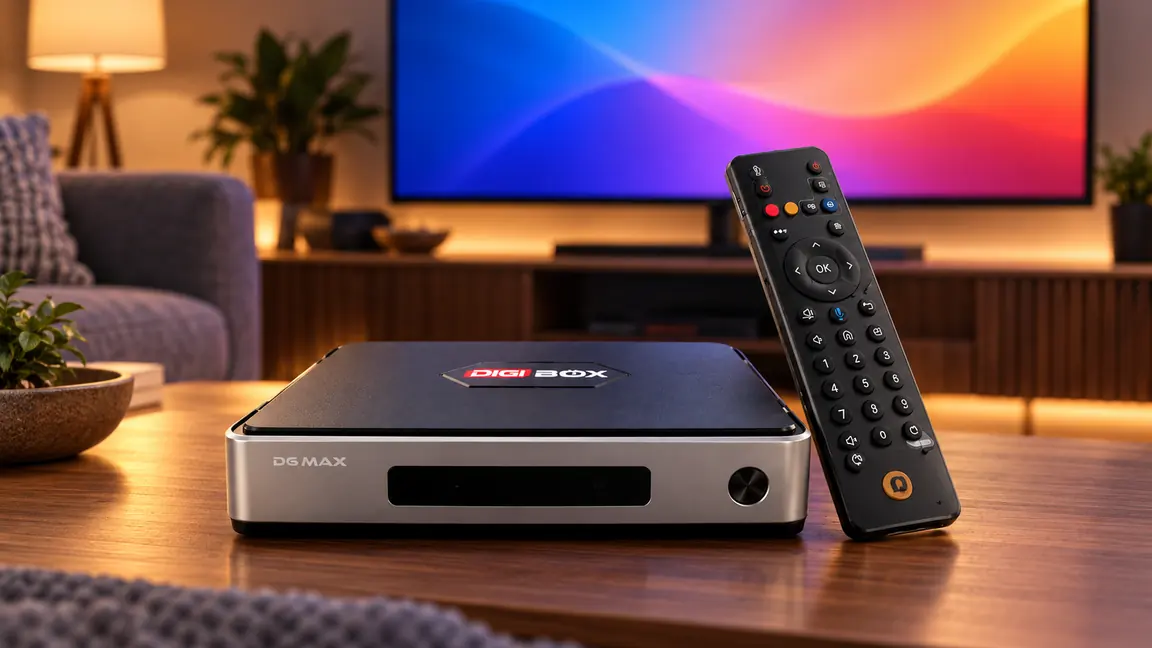
A remote matters more than it looks on a product page. DIGIBOX supplies a backlit voice Air Mouse remote that can help with navigation on a couch. Roku supplies a voice remote with TV controls. For a wider view of the box beyond this single comparison, read our hands-on DIGIBOX D6 MAX review.
Our verdict: choose for the way your family watches
For a multilingual family exploring news, sports, series, films, and children’s programming, the DIGIBOX D6 MAX offers a more flexible starting point: built-in viewing apps, Android app compatibility, wired networking, and a fuller set of connections. Roku is a credible option for families who want a compact app-first stick. Neither device should be sold with a blanket promise that every specific channel is available everywhere.
If your household often watches across languages, the TV box guide for overseas families can help turn preferences into a shortlist. You can then compare current product details at the DIGIBOX website and review the DIGIBOX D6 MAX specifications and availability before choosing.