Android 12 is the software foundation of our DIGIBOX D6 MAX. It brings the familiar Android-style app experience to a TV screen, while the box’s 4GB RAM, 64GB storage, Wi-Fi 6, and voice Air Mouse remote make everyday navigation practical. Explore our DIGIBOX store and the DIGIBOX D6 MAX product details as you read.
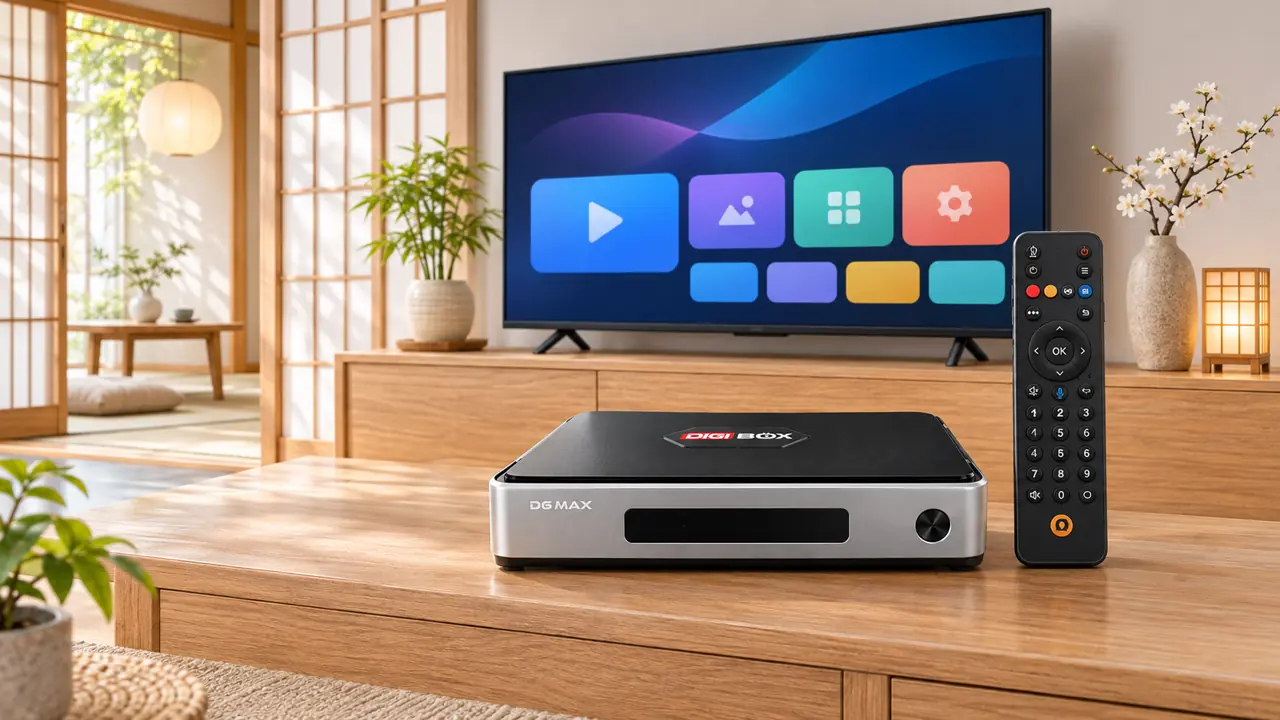
What Android 12 means on a TV box
Android 12 is an operating system, not a channel package. On DIGIBOX D6 MAX it provides the platform for compatible apps, settings, and on-screen controls. Our built-in entertainment apps are a separate part of the viewing experience, with a broad mix of news, sports, series, movies, documentaries, and animation. DIGIBOX itself does not require a monthly subscription.
If you are comparing the hardware behind that experience, our RAM and storage guide explains how memory and space serve different jobs. The key point here is simple: Android 12 gives you an organized place to use the box, while the hardware supplies the connections and capacity.
Navigate from the sofa
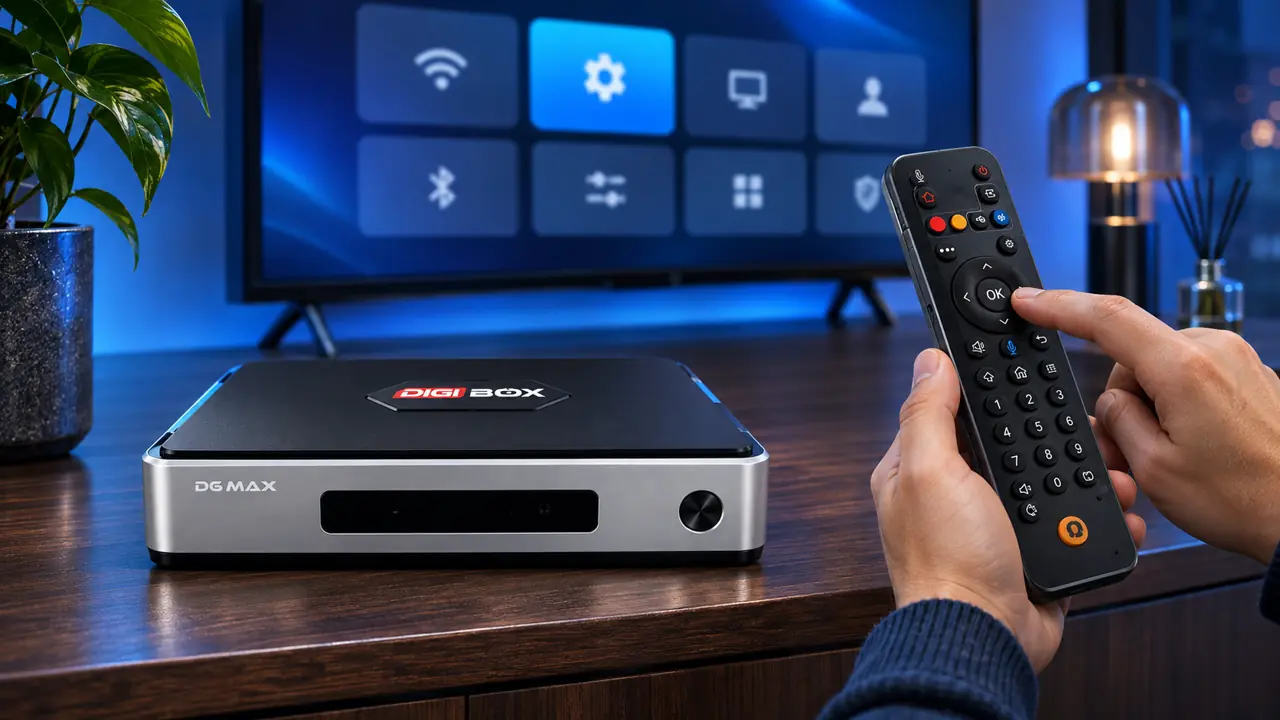
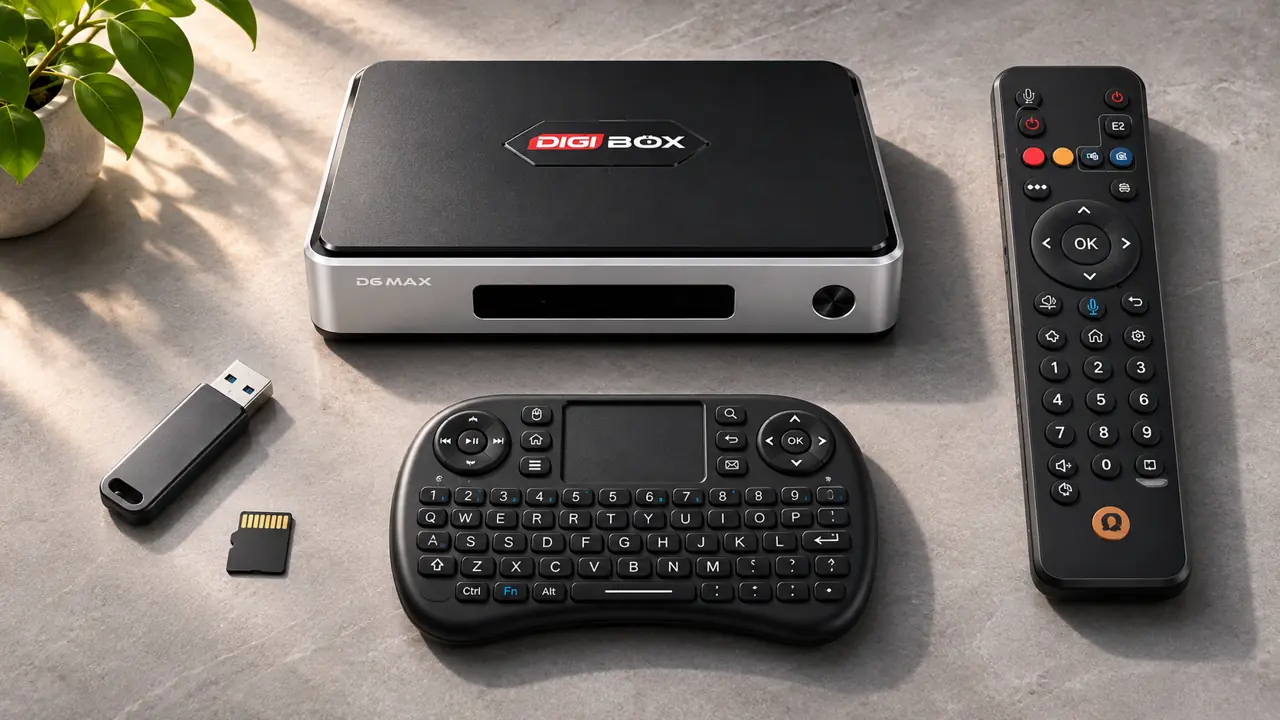
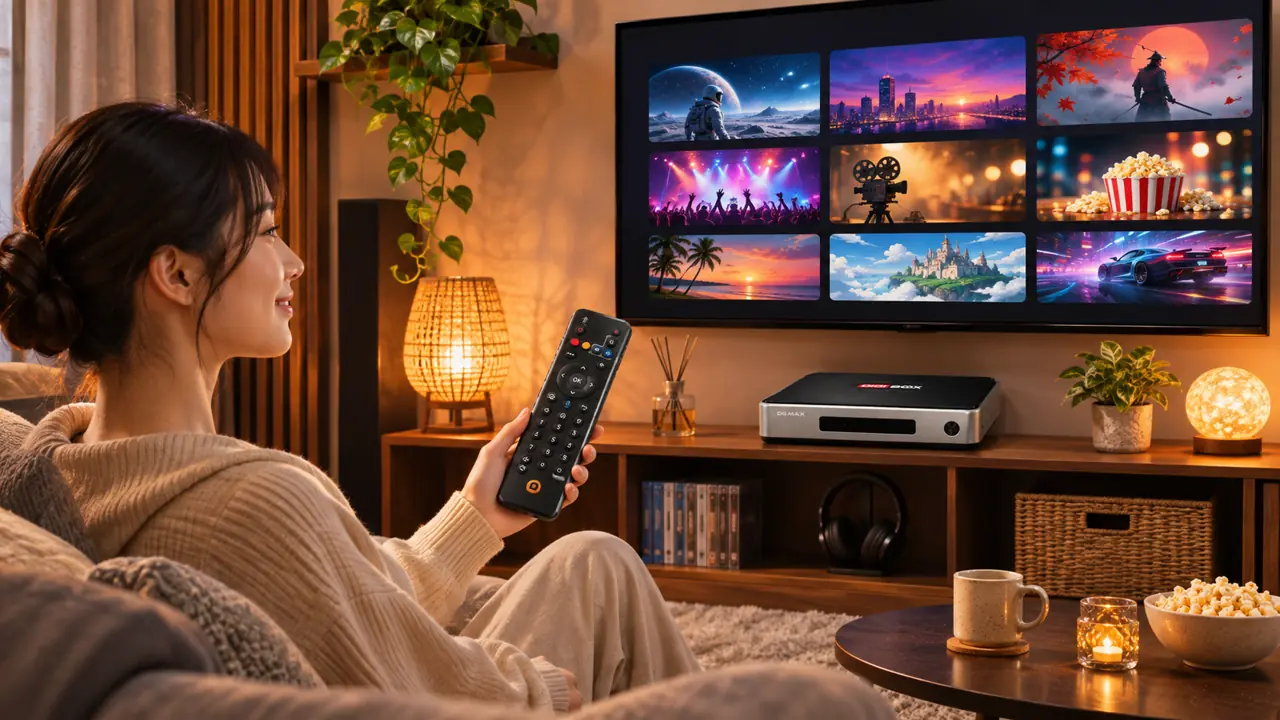
The included voice Air Mouse remote puts search and pointer controls in your hand. You can move through menus, open the built-in apps, and adjust settings without keeping a laptop beside the TV. For longer searches, the wireless mini keyboard listed with the current product package offers another input option. See our remote and keyboard guide for a closer look at those two ways of typing.
Connect and expand your setup
DIGIBOX D6 MAX lists Wi-Fi 6 on 2.4GHz and 5.8GHz bands plus Gigabit Ethernet. Choose the connection that suits your room and router. HDMI connects the box to the display; four USB ports and a microSD slot give you options for compatible accessories or personal media. Our USB playback guide covers local files, while the microSD versus USB guide helps you plan extra storage.
Make the most of the 64GB storage
The 64GB eMMC storage gives you room for apps and everyday box data. It is still worth keeping the home screen tidy: remove apps you no longer use and check available space before adding large downloads. If space is already tight, follow our storage cleanup guide for practical steps. Compatible Android apps can broaden the setup, but our built-in viewing options are the natural starting point for many owners.
A simple first evening with DIGIBOX D6 MAX
Connect HDMI to the TV, supply the box with its specified 5V/2A USB-C power source, and choose Wi-Fi or Ethernet. Then explore the built-in entertainment categories and the settings you use most. This short routine lets you discover the interface before customizing it. Our smart TV box overview explains where the device fits in a home entertainment setup.
Frequently asked questions
Does Android 12 itself provide TV channels? No. It is the operating system. DIGIBOX’s built-in apps provide the viewing categories described above.
Do I need a monthly DIGIBOX fee to use the box? No mandatory DIGIBOX monthly subscription is required.
Can I use a wired connection? Yes. DIGIBOX D6 MAX lists Gigabit Ethernet as well as Wi-Fi 6.
How much built-in storage is listed? The product specification lists 64GB eMMC storage.
What should I use to control it? Start with the included voice Air Mouse remote; the current product package also lists a wireless mini keyboard.
Bring Android 12 to your TV
At our DIGIBOX store, we pair the Android 12 platform with the practical hardware and built-in viewing options of DIGIBOX D6 MAX. Use code DG5 at checkout for a verified 5% discount.