
A collection of family photos or personal videos should not disappear from the living room just because the Wi-Fi stops working. The DIGIBOX streaming box is an Android-based device with physical USB and MicroSD connections as well as online viewing options.
Check the DIGIBOX D6 MAX connection list before planning an offline media session: it names four USB 2.0 ports and a MicroSD slot.
DIGIBOX D6 MAX USB playback can be a practical fallback for your own photos and videos when the network is unavailable, provided a compatible media player and readable files are already on hand.
This guide is about your own files on removable storage. It is not a promise that every video format, drive, subtitle, or file-manager app will work. Those details depend on the file and player software; a small test is more useful than a vague “plays everything” claim.
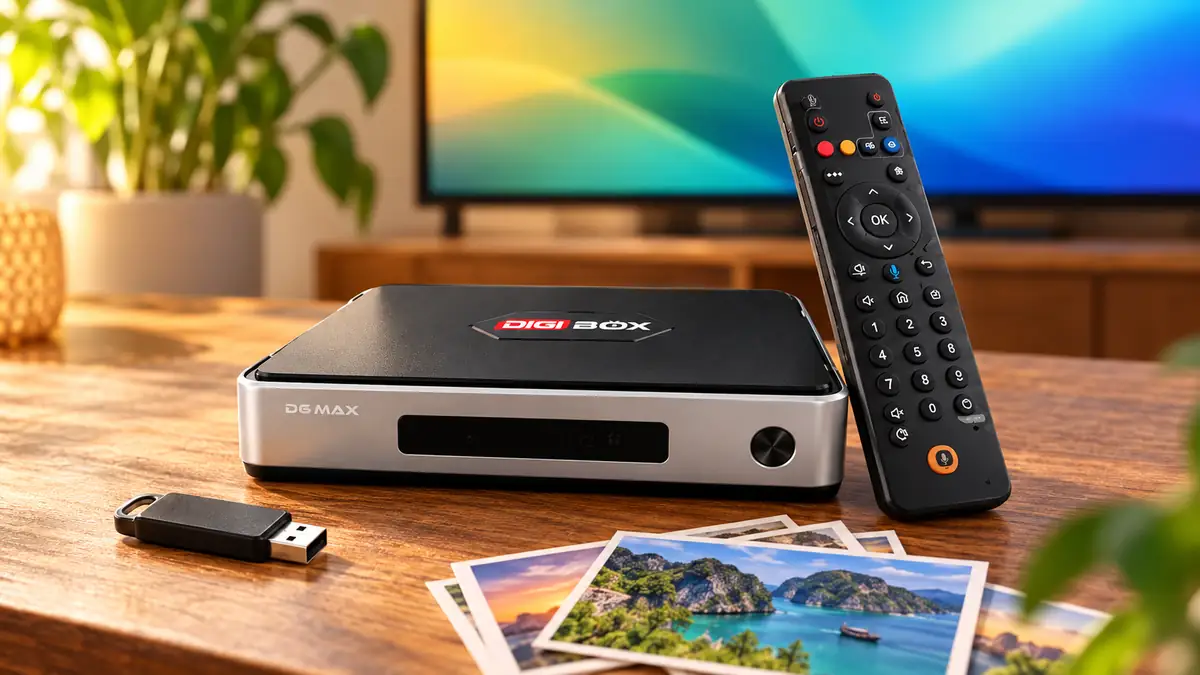
DIGIBOX D6 MAX USB playback: what local media means
Local media is content that you already own or have permission to use and store on a connected drive or card. A photo slideshow from a family trip, home video, or a music collection is a different use case from a live channel. The latter typically needs an active network and the relevant service. Local playback can work without internet once the files and a compatible player are available on the box.
DIGIBOX lists 64GB of internal eMMC storage, but that space also serves Android, apps, and their data. Removable storage is a practical way to keep a large personal collection separate. The DIGIBOX memory and storage guide explains why internal storage is not simply an empty 64GB folder.
A simple pre-flight check for a USB drive or MicroSD card
| Question | What to do | Why it helps |
|---|---|---|
| Is the source file legal to use? | Use personal or properly licensed content. | It keeps the guide focused on your own media. |
| Is the storage readable? | Test a few files on another device first. | A damaged drive is not a TV-box problem. |
| Is the player compatible? | Open one small photo, audio file, and video before moving the whole collection. | Formats and codecs vary. |
| Will it be offline? | Install or confirm a compatible player before disconnecting the internet. | Downloading a player later may need a connection. |
Use the ports listed for DIGIBOX D6 MAX, not a port shown in a photo of another TV box. The current product page lists four USB 2.0 ports, MicroSD, HDMI, Ethernet, AV output, optical SPDIF, and USB-C power. The USB-C connector supplies power; do not assume it accepts a storage drive. Keep the supplied power adapter connected while you test removable media.
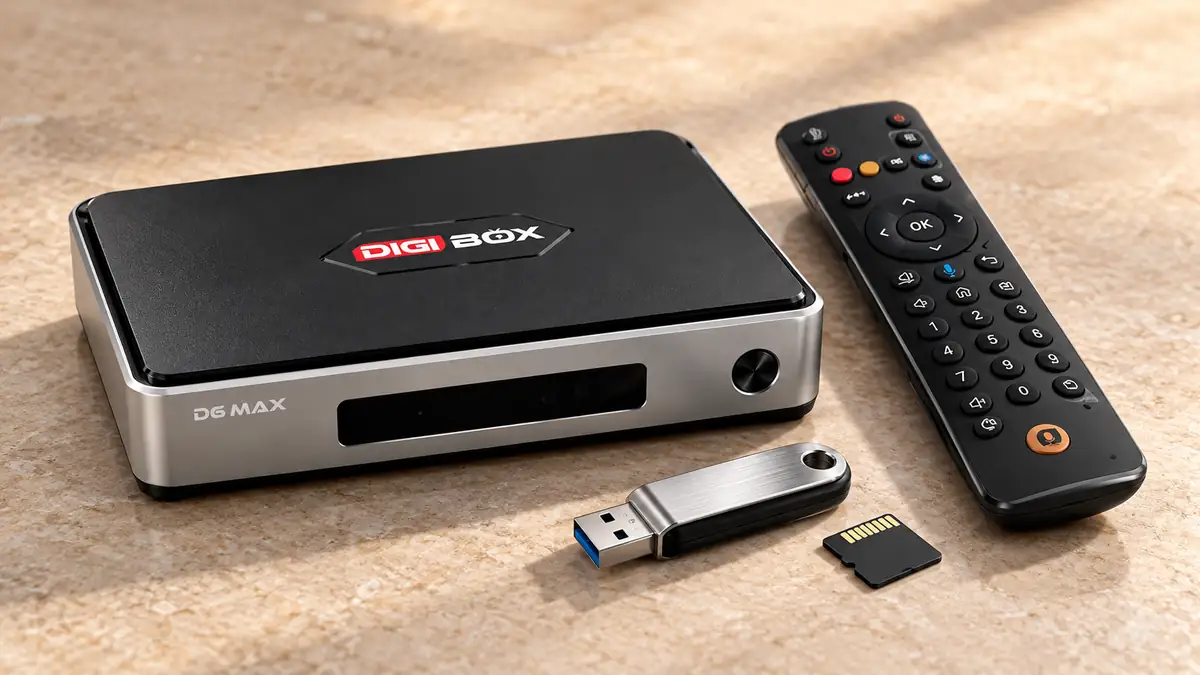
Start small: one photo, one song, one short video
Copy a few sample files to the drive, safely eject it from the computer, and connect it to the box. Look for the storage in a compatible file or media player. Exact menu labels can differ by installed software, so avoid following an unrelated screenshot pixel for pixel. If the player opens the photo but not the video, the drive itself may be fine; the video codec, audio track, container, subtitles, or player may be the limiting factor.
The DIGIBOX D6 MAX product specifications state H.265 video decoding, including 4K at up to 60fps and 8K at up to 24fps. That is a hardware decoding specification, not a guarantee that every downloaded movie or every app will output at those resolutions. The 4K and 8K specification explainer puts the numbers in context. Try a short, known-good file before committing a full library.
If you need a player that is not on the device, use a compatible source while internet access is available. The DIGIBOX app installation guide covers built-in apps, Google Play, and APK considerations. For this local-media task, install only what you actually need, then test the player again in offline mode.
A photo night without a streaming connection
Family photos can be a better test of local media than a large video file. Put a small folder of personal images on a drive, open them in a compatible gallery app, and confirm that the TV shows them at a comfortable size. A simple slideshow works well for a gathering because it does not rely on a fluctuating campground or shared-house network.
A trip is another useful scenario. The DIGIBOX D6 MAX RV and travel guide explains the separate questions of HDMI displays, internet, and power on the road. Local photos or legitimately downloaded personal media can remain useful when live services cannot connect, provided the player and file format are supported.

What to check when a file does not appear
- Confirm that the drive is readable on another device. A storage failure cannot be fixed by changing TV picture settings.
- Try a smaller, known-good file of the same kind. That narrows the problem to the original file or its encoding.
- Check whether the player is looking in the correct folder, and whether it has permission to read removable storage.
- Avoid unplugging the drive during a transfer or while a file is open. Eject safely when the available software offers that option.
- If internal storage is unexpectedly full, clean up unused data first; the DIGIBOX storage-full guide gives a more careful sequence.
These checks avoid the common mistake of factory-resetting a working box because one file fails to open. Keep your originals backed up elsewhere. A TV box and a USB drive should not be the only copy of family photos.

Five quick questions about offline viewing
Can DIGIBOX D6 MAX play from USB without Wi-Fi?
Local playback can work without Wi-Fi when the media files and a compatible player are already available. Internet-based live channels and cloud libraries generally still need a connection.
Does the MicroSD slot replace the internal 64GB?
No. A card is removable storage. Internal eMMC remains the device’s system and app storage.
Will a drive with any file system work?
Do not assume so. File-system support can vary by software and drive setup. Test a small drive or card before moving a large collection.
Does an 8K decoding claim guarantee an 8K picture?
No. Decoding, file characteristics, player support, HDMI path, and the display all matter. The specification alone does not establish the result.
Can I use a USB-C flash drive in the power socket?
The listed USB-C connector is for 5V/2A power. Use a listed storage connection and keep the correct power supply attached.
Keep the media plan practical
Start with a small test set, keep original files backed up, and separate offline personal media from online services. The DIGIBOX website has the current support information.
The DIGIBOX D6 MAX product details list the ports and power requirements you should check before buying.
Use code DG5 for 5% off DIGIBOX D6 MAX at checkout.