
DIGIBOX D6 MAX H.265 support means the box can decode compatible video compressed in the HEVC format and show it on your TV. This matters when you watch supported video files and content delivered in that format. We explain the feature in everyday terms here; you can explore our DIGIBOX store and the DIGIBOX D6 MAX specifications as you read.
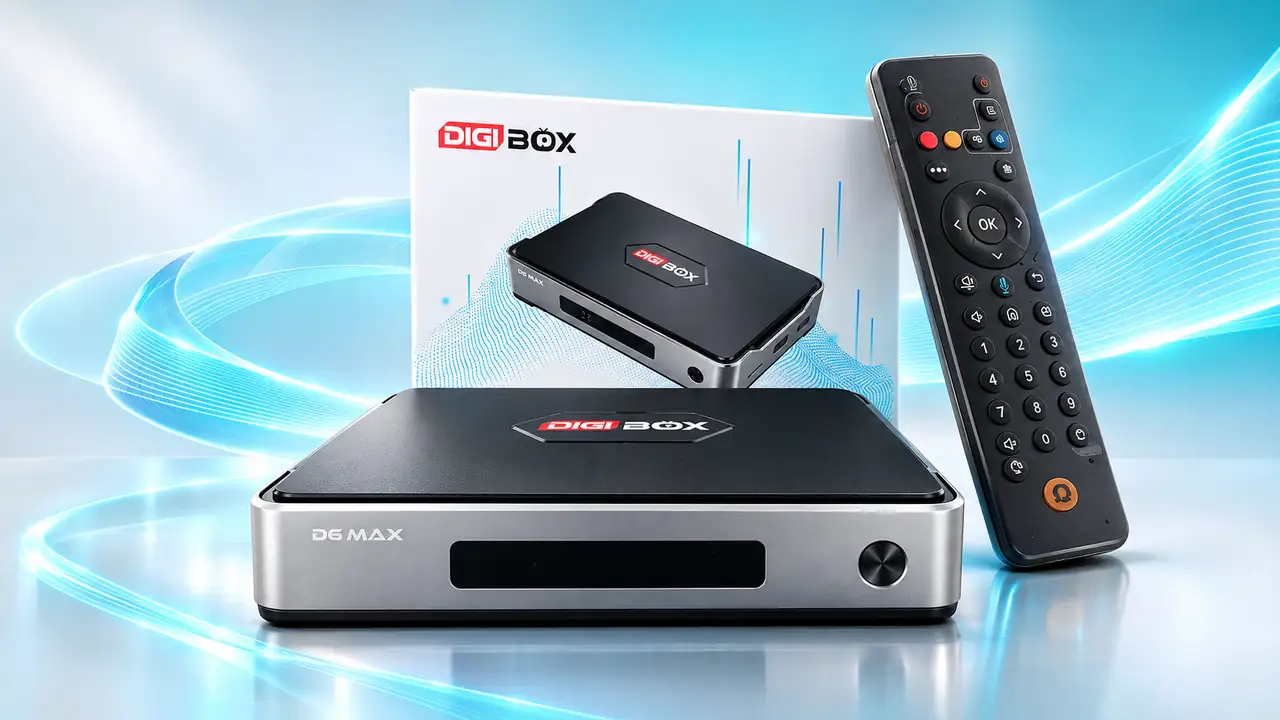
DIGIBOX D6 MAX H.265: compression versus resolution
Resolution tells you the dimensions of the picture, such as 4K. A codec such as H.265 describes how the video is encoded and decoded. A high-resolution label alone does not tell you the codec, and a codec label alone does not guarantee that every file will play. DIGIBOX D6 MAX lists H.265 decoding alongside its video-output capabilities, making it a flexible centerpiece for compatible entertainment.
For a closer look at screen resolution, read our DIGIBOX D6 MAX 4K versus 8K guide. If you are new to this category, our plain-English smart TV box introduction explains where the box fits in a home setup.
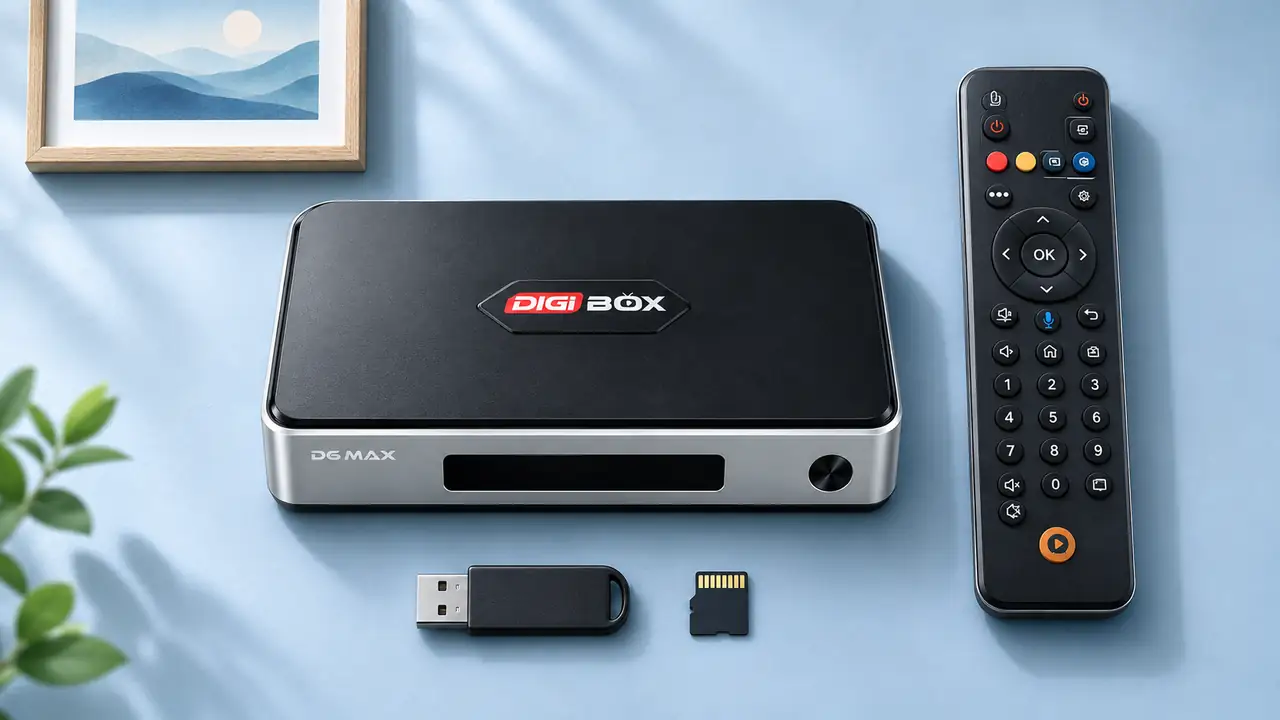
Where H.265 helps in everyday viewing
- Compatible local videos: Bring supported files to a USB drive or microSD card and use an appropriate media player on the box.
- Supported streamed media: When a service delivers video in H.265 and its app supports playback, the box can decode that format.
- A capable TV setup: Pair the box’s HDMI output with a display and settings appropriate for the content you want to watch.
DIGIBOX D6 MAX also includes 64GB eMMC storage, USB ports and a microSD slot. Those hardware choices make it practical to organize apps and compatible personal media in one entertainment setup. The final picture still depends on the source video, display and playback settings, so choose the right file and screen rather than looking only at one specification.
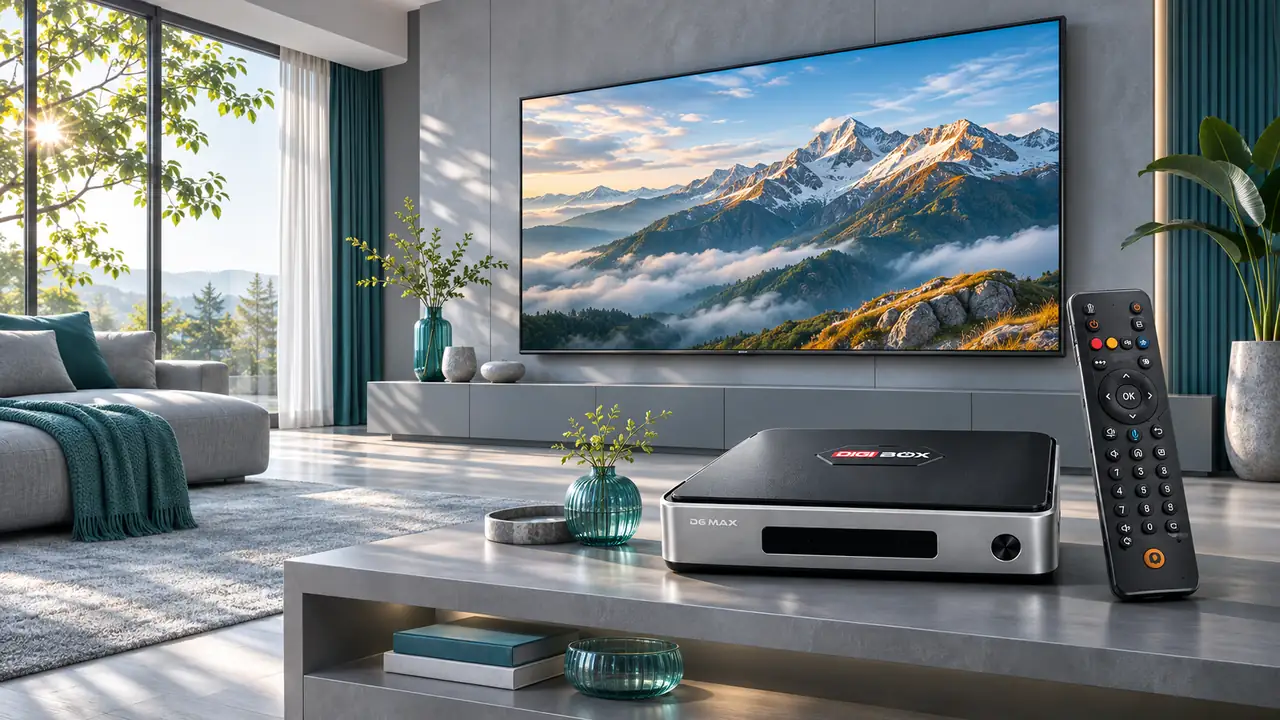
A quick buying checklist
- Check whether the video you plan to use is encoded in H.265/HEVC.
- Confirm the media player or app supports that file or stream.
- Match your TV’s resolution and HDMI settings to the content.
- Plan storage and networking around your viewing habits; DIGIBOX D6 MAX offers Wi-Fi 6 and Gigabit Ethernet.
If your app collection grows, our storage management guide shows how to keep space organized. For streaming interruptions, see our network and buffering guide; a codec and a network connection solve different parts of the viewing experience.
Frequently asked questions
Is H.265 the same as 4K?
No. H.265 is a video codec; 4K describes picture resolution. A video can have both properties.
Does DIGIBOX D6 MAX support H.265?
Yes. H.265 video decoding is listed among the DIGIBOX D6 MAX video capabilities.
Do I need H.265 for every video?
No. Videos use different formats. H.265 support is useful when your compatible content is encoded that way.
Can I play H.265 files from USB?
You can use the USB ports with a suitable media player and compatible files. File container, audio track and player support also matter.
Will H.265 improve every video automatically?
No. It is a decoding capability, not an automatic enhancement filter; source quality and display settings still shape the image.
Our projector setup article offers another way to enjoy compatible video on a larger screen. Browse our DIGIBOX website for more ideas and compare DIGIBOX D6 MAX hardware and features before ordering. Use code DG5 at checkout for 5% off.