
A projector can make a small room feel like a movie night, but its HDMI port, sound output, power, and native resolution decide whether the setup is pleasant. The DIGIBOX official site describes an Android-based box that can feed a compatible display; the projector supplies the picture on the wall. This guide focuses on the connection and the tests that matter before you settle in.
The DIGIBOX D6 MAX Android TV box lists an HDMI connection, Wi-Fi 6, Gigabit Ethernet, Bluetooth 5.4, and a 5V/2A USB-C power input. Those capabilities give a projector owner options, but they do not guarantee that a projector USB port can power the box or that every projector can display the highest video mode in the specification.
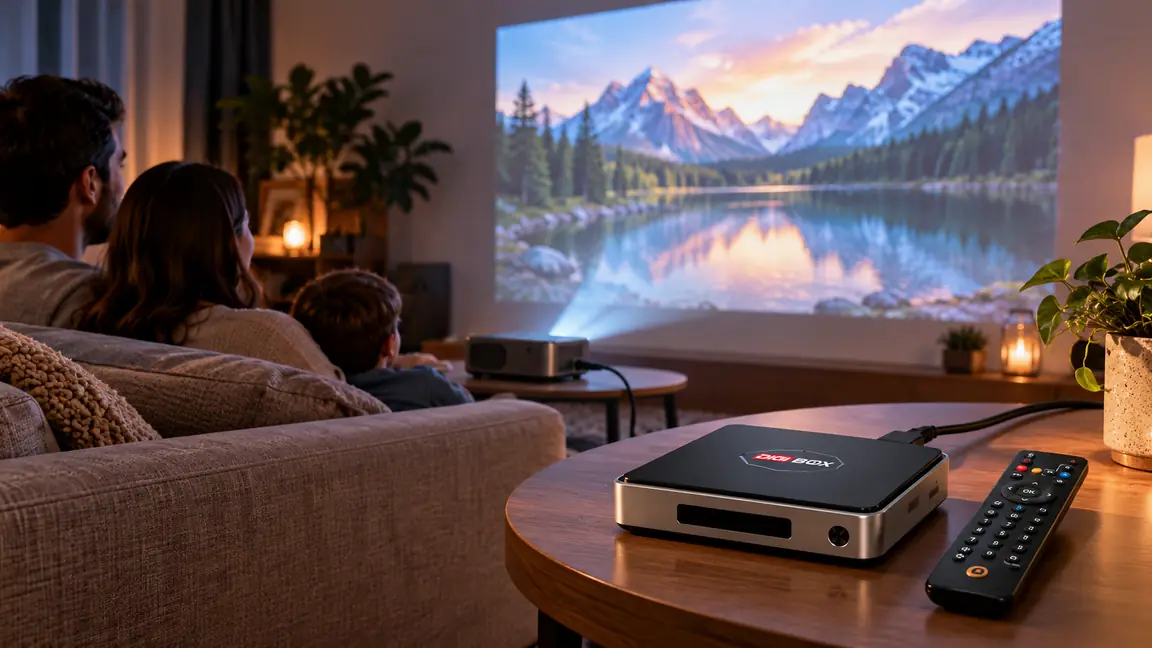
Build the connection around the projector’s real ports
Start by finding an HDMI input on the projector. Connect the DIGIBOX D6 MAX HDMI output directly to that input, then select the matching source on the projector. Use the supplied power adapter in a suitable outlet. Do not assume a projector’s USB socket supplies the rated current the box needs; many such ports exist only for service or low-power accessories.
Keep the first test simple: box → HDMI cable → projector, without an audio extractor, splitter, receiver, or long adapter chain. If a projector lacks HDMI, an active converter may be needed and compatibility is uncertain. The DIGIBOX D6 MAX setup guide gives the standard power, HDMI, and network sequence that applies before any projector-specific adjustments.
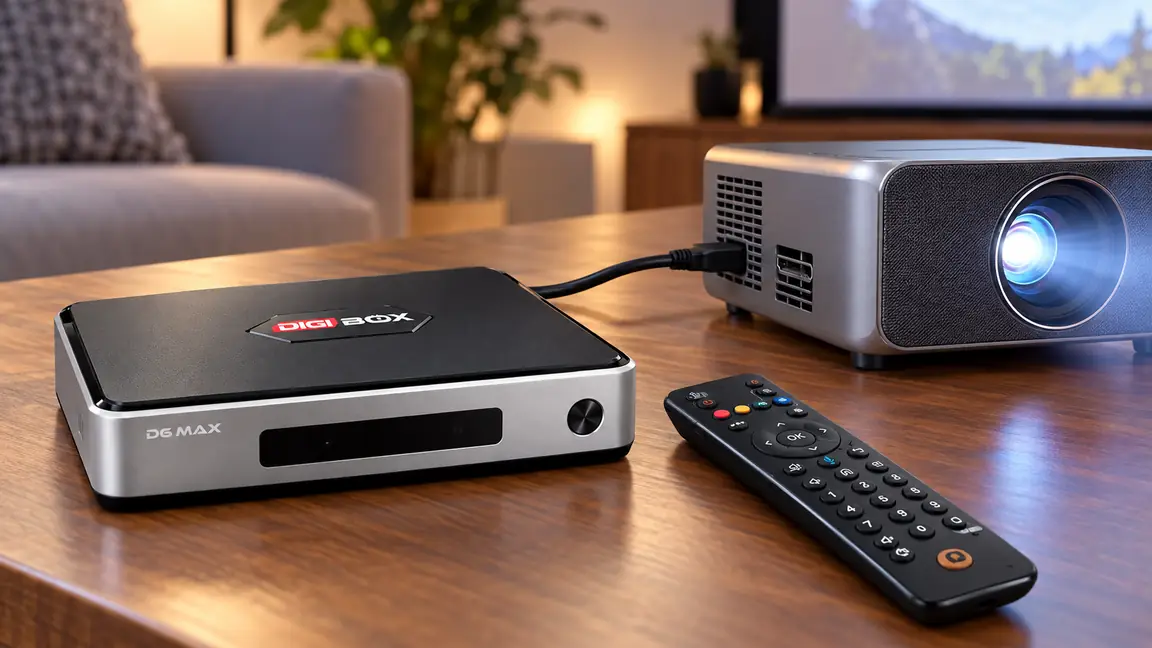
A five-minute pre-movie checklist
- Power both devices with the equipment specified for each one.
- Choose the correct HDMI input and wait for the box’s home screen.
- Start with the projector’s recommended or automatic display mode.
- Play a short program and confirm both picture and sound.
- Check Wi-Fi or wired network stability from the projector’s actual position.
If a blank screen appears, check input selection before changing software. If the projector shows the box menu but an app gives a black screen, the problem may be specific to that app or content. The DIGIBOX D6 MAX black-screen troubleshooting guide helps separate power, signal, and playback symptoms.
Picture quality: native resolution beats a marketing label
The current DIGIBOX D6 MAX listing describes H.265 decoding up to 4K at 60 frames per second and 8K at 24 frames per second. Decoding is only one link in the picture chain. A 1080p projector still has a 1080p native panel; a higher-numbered source or cable cannot add physical pixels. Also check the projector’s supported HDMI input modes, any receiver in between, and the app’s delivered stream.
| Question | What to check | Why it matters |
|---|---|---|
| Does the projector have HDMI? | A working HDMI input and the selected source number. | This is the normal direct video path. |
| What is the native resolution? | The projector’s specification, not only its accepted input signal. | It sets the physical detail the projector can show. |
| Where will sound play? | Projector speaker, TV/receiver, or supported external audio path. | A large picture is frustrating when audio is missing or too quiet. |
| How will the box be powered? | The supplied 5V/2A USB-C adapter and a safe outlet. | An unrated projector USB port may not power the box reliably. |
A bright room also affects the image, regardless of the TV box. Reduce ambient light, choose a sensible screen size and projection distance, and focus the projector before blaming the source. DIGIBOX controls the signal it sends; the projector’s optics and room determine much of what you finally see.
Treat sound as part of the setup, not an afterthought
Some projectors have small built-in speakers; others send audio to a soundbar or receiver. Test sound while the box is connected directly to the projector, then add extra equipment one item at a time. If the image works but the room is silent, the DIGIBOX D6 MAX no-sound guide walks through mute, HDMI, output selection, and external speaker paths.
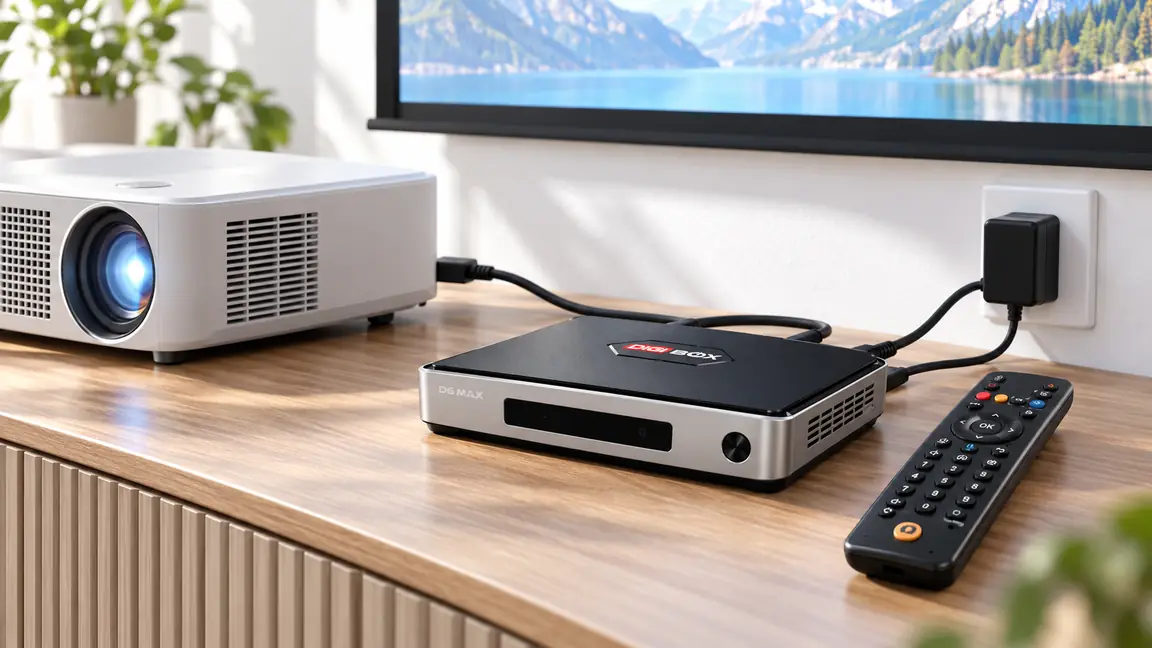
For late-night viewing, compatible Bluetooth audio accessories may be another route because the box lists Bluetooth 5.4. Test the exact headset before promising a delay-free experience. A projector, receiver, or headphone may each have its own audio setting, so record which device is responsible for the sound.
Network choices for a projector room
A projector may sit farther from the router than a normal television. Before movie night, try real viewing in that room, not just a signal-strength icon beside the router. DIGIBOX D6 MAX supports dual-band Wi-Fi 6 and Gigabit Ethernet; a safe wired route can reduce wireless interference when the router is nearby. The Wi-Fi versus Ethernet guide explains the tradeoff for home streaming.
If the projector travels with you, the network becomes even more variable. Campground portals, phone hotspots, and data caps change the experience. Our DIGIBOX D6 MAX RV and travel guide covers those constraints in more detail. At home, secure cables along a wall or behind furniture rather than across a walking path.
What you can actually watch on the big screen
DIGIBOX’s built-in entertainment options cover categories such as news, sports, movies, TV series, documentaries, and animation. The specific lineup can change by app and region; test the program you care about instead of relying on a generic channel count. The DIGIBOX D6 MAX content guide is a useful starting point when choosing a first viewing list for family nights.
Optional third-party apps can have separate accounts, subscriptions, device requirements, and picture-quality rules. A DIGIBOX hardware purchase does not remove a third-party provider’s terms. Start with a small number of programs you know the household wants, then add only what the projector setup can actually play well.
Projector setup questions
Can DIGIBOX D6 MAX connect to an HDMI projector?
Yes, a compatible HDMI input is the normal connection. Confirm the projector accepts the selected signal and that the HDMI source is chosen.
Can the projector’s USB port power the box?
Do not assume so. The DIGIBOX D6 MAX specification calls for 5V/2A through USB-C; use the supplied adapter unless a power source is verified to meet the requirement.
Will an 8K video make my 1080p projector look 8K?
No. The projector’s native panel resolution remains 1080p. Decoding capability and display resolution are different things.
Why is there picture but no sound?
Check projector volume and mute, the selected speaker/output, and the HDMI cable path. Test the direct connection before adding a receiver or soundbar.
Does the box need the internet for projector use?
Online channels and cloud programs generally need an active connection. Compatible personal media may be playable from local storage, depending on file support and the player used.
Make the big-screen setup easy to repeat
Write down the projector input, the audio route, and the connection that worked. Then the next movie night begins with a remote, not a troubleshooting session. The DIGIBOX store and support hub provides current ownership information, while the DIGIBOX D6 MAX hardware details let you check its HDMI, network, power, and accessory specifications against your projector.