
Yes. A DIGIBOX D6 MAX soundbar setup can use HDMI through the TV, optical SPDIF or a compatible AV connection. The simplest route for most living rooms is DIGIBOX D6 MAX → TV by HDMI, then TV → soundbar using the TV’s supported audio connection. At our DIGIBOX store, you can review the DIGIBOX D6 MAX before choosing the audio route that fits your screen.
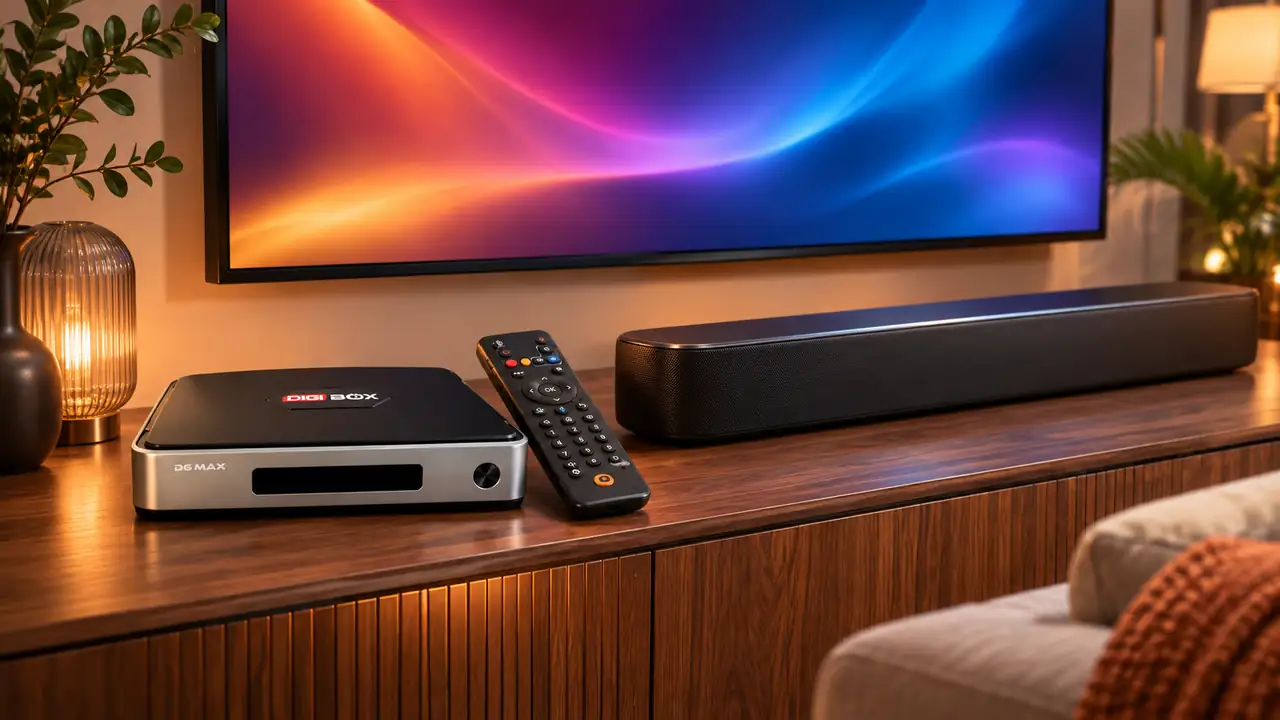
DIGIBOX D6 MAX soundbar setup starts with the TV ports
Look at the labels on the back of your TV and soundbar. A TV with an HDMI ARC/eARC port can usually send audio from the TV to a compatible soundbar through an ARC/eARC connection. A TV optical output can feed a soundbar optical input. Those are TV-to-soundbar links; the DIGIBOX D6 MAX still sends its picture and sound into the TV over HDMI.
If you are planning a larger display, our DIGIBOX D6 MAX projector setup guide explains how to think about picture and sound together. For a tidy wall installation, see our wall-mounted TV placement guide.
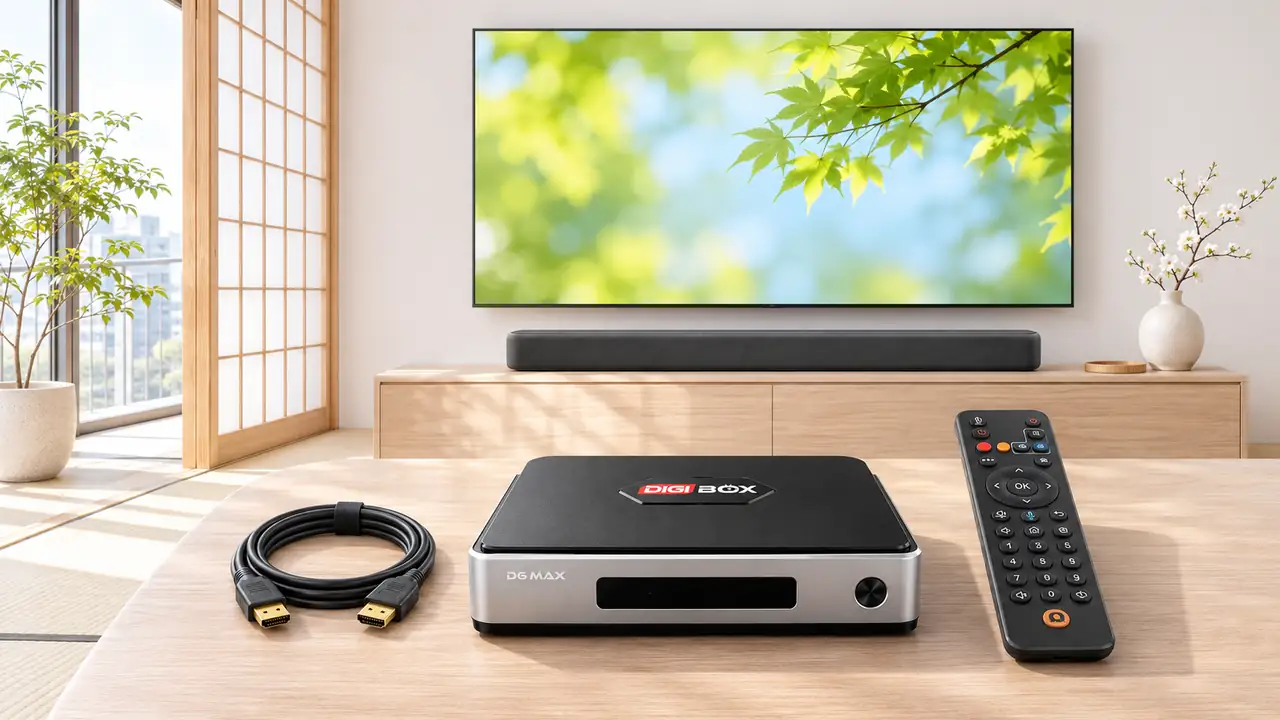
Three audio routes at a glance
- HDMI through the TV: Connect DIGIBOX D6 MAX to the TV’s HDMI input, then use the TV’s ARC/eARC or optical output for the soundbar.
- Optical SPDIF from the box: Connect the DIGIBOX D6 MAX optical output directly to a soundbar with a matching optical input. Keep HDMI connected to the TV for the picture.
- AV output: Use the box’s AV output only when the receiving audio equipment has a compatible analog input and the correct cable.
The direct optical route is particularly useful when the TV’s audio options are limited. Match the cable to the actual input on your soundbar; an optical connector does not plug into an HDMI port. After wiring, select the matching input on the soundbar and choose an audio format both devices support.
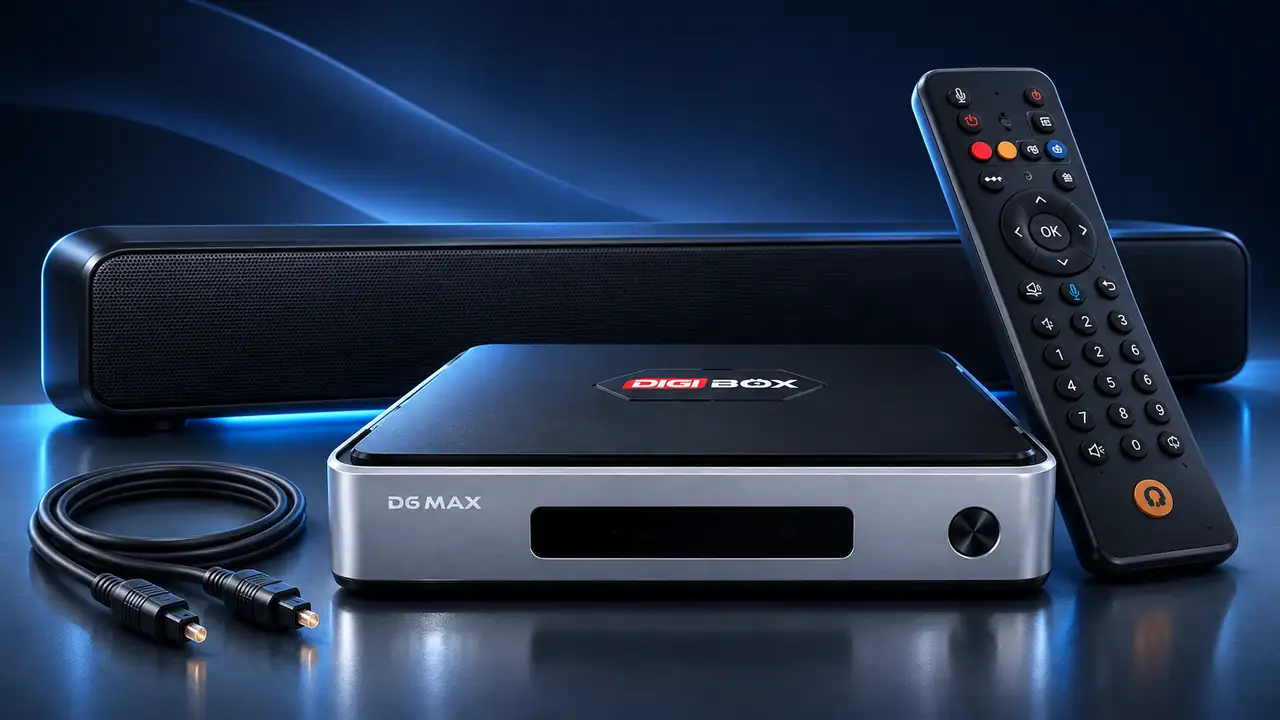
A practical order for a clean setup
- Connect DIGIBOX D6 MAX to the TV with HDMI and confirm the picture.
- Connect the TV audio output to the soundbar, or connect the box’s optical SPDIF output directly to the soundbar.
- Set the soundbar to the correct input and play a familiar video.
- If audio is absent, check the TV audio-output selection and box audio format before changing cables.
For a fault rather than a new installation, our no-sound checklist follows the signal path step by step. If you prefer private listening, compare the experience with our Bluetooth headphones guide.
Frequently asked questions
Does DIGIBOX D6 MAX need a special soundbar?
No. Choose a soundbar whose input matches the HDMI-through-TV, optical, or compatible AV route you intend to use.
Can I connect a soundbar directly by HDMI?
DIGIBOX D6 MAX connects to a TV by HDMI. For soundbar audio, use the TV’s supported audio output or the box’s optical SPDIF output.
What is optical SPDIF for?
It carries digital audio from DIGIBOX D6 MAX to equipment with a compatible optical input.
Will the remote control my soundbar volume?
Volume control depends on the soundbar, TV and remote configuration. Test the actual setup before relying on one remote for every device.
Can I use Bluetooth headphones instead?
Yes, DIGIBOX D6 MAX includes Bluetooth 5.4 for compatible accessories; headphones serve a different, private-listening use case.
Our picture-resolution explainer can help complete the home-theater plan. Explore more ideas on our DIGIBOX website, then check the full DIGIBOX D6 MAX specifications for your room. Use code DG5 for 5% off at checkout.