
If your DIGIBOX D6 MAX keeps restarting, the timing of the restart is the most useful clue. A box that reboots immediately after power-on needs a different test from one that restarts only after an hour, after an update, or when a USB accessory is connected. Start with the DIGIBOX authorized retailer site for current support details and confirm the package and power specification on the DIGIBOX D6 MAX product page.
This guide uses a controlled test: cool the device, remove variables, reconnect only the essentials, and observe what changes. It does not recommend opening the box or installing firmware from an unknown source.

First identify when DIGIBOX D6 MAX keeps restarting
| Restart pattern | Possible area to test | First action |
|---|---|---|
| Immediately after power-on | Power connection or startup process | Use the supplied adapter and complete a power cycle |
| After the box becomes warm | Ventilation or nearby heat | Cool it and move it into an open space |
| When a USB device is attached | Accessory, cable, or power demand | Disconnect nonessential accessories |
| After an update | Software initialization or failed update | Wait, use only official update controls, and contact support if stuck |
| Inside one app | App cache or compatibility | Test another app and inspect the affected app |
When DIGIBOX D6 MAX keeps restarting, a single unexpected reboot is different from a repeated loop. Write down what was happening, which cables were connected, and whether the device felt unusually hot. The broader DIGIBOX D6 MAX troubleshooting guide covers no-power, no-signal, black-screen, and startup-freeze symptoms if the problem is not strictly a restart loop.
Run a clean power and cable test
- Turn the box off and disconnect power from the wall.
- Wait at least 60 seconds.
- Remove USB drives, hubs, keyboards, game controllers, and other nonessential accessories.
- Inspect the adapter and cable for looseness, damage, unusual heat, swelling, or a burnt smell.
- Reconnect only the supplied power adapter and HDMI cable.
- Connect directly to a known working wall outlet if practical.
- Start the box and allow several minutes for Android to finish loading.
The current specification lists USB-C power at 5V/2A. USB-C describes the connector, not proof that every phone or laptop charger is suitable. Different power profiles and poor cables can cause unstable behavior. Use the supplied DIGIBOX power hardware whenever possible and stop if any component shows physical damage.

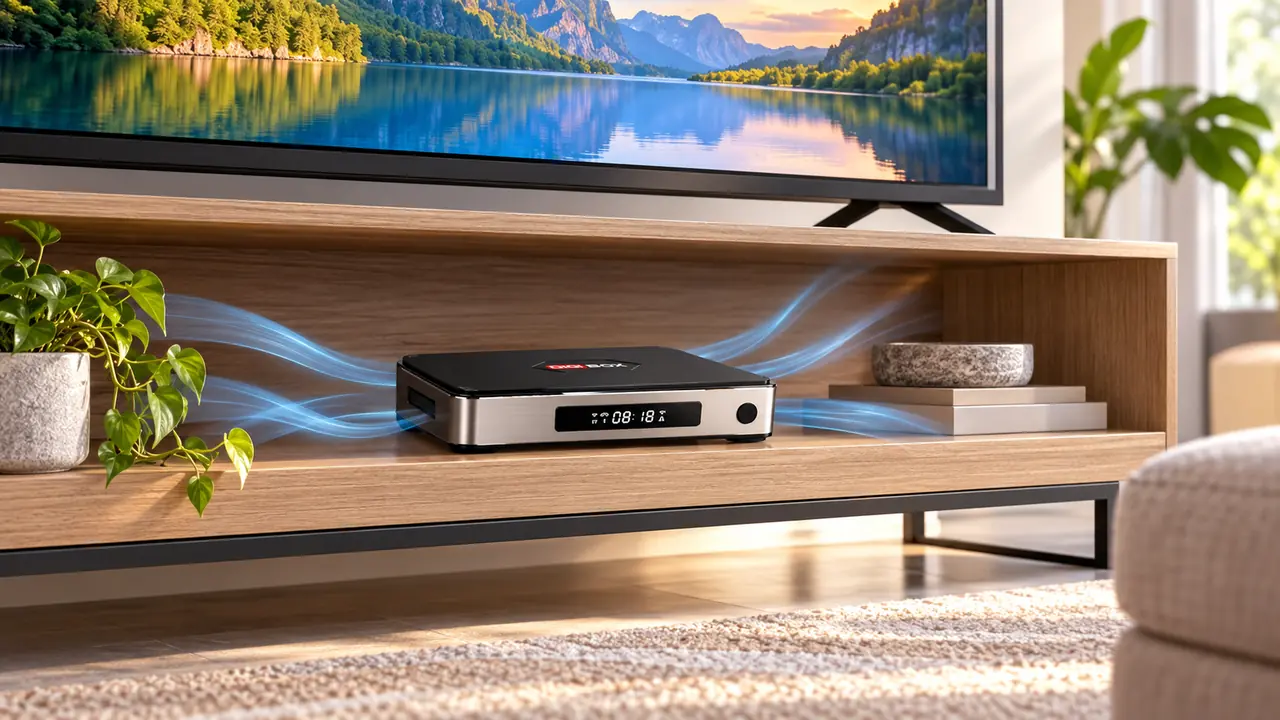
Give DIGIBOX D6 MAX room to release heat
Place the box on a stable, open surface. Do not stack it on a hot AV receiver, game console, or amplifier. Avoid a closed cabinet with no airflow, thick fabric, and direct sun. If restarting happens only after extended use, turn the box off, let it cool completely, and retest in an open position.
Normal warmth does not prove overheating, and a restart does not prove permanent damage. The controlled cool-down test helps determine whether placement changes the pattern. If the casing becomes unusually hot or there is an odor, swelling, or discoloration, disconnect power safely and contact the seller.
Separate an app crash from a full device restart
When one app closes and returns to the home screen, the entire box may not have restarted. Test another compatible app and watch for the DIGIBOX startup logo. If only one app fails, clear that app’s cache first. Our DIGIBOX cache guide explains why clearing temporary files is different from erasing app data.
Low available storage can also interfere with app updates and temporary files. Check Settings before installing more software. The 4GB RAM and 64GB storage guide explains why the advertised capacity is not the amount of empty space shown after setup.
Be careful after a software update
If DIGIBOX D6 MAX keeps restarting after an update, remember that an update can take time to finish its first startup. Keep power connected and do not repeatedly unplug the box while an official update is actively installing. Never download firmware simply because a file claims to match the device. Software for another model can create a more serious startup problem.
- Use the built-in update function or instructions from authorized support.
- Confirm that guidance applies to DIGIBOX D6 MAX in full.
- Do not install firmware from a forum, file-sharing page, or unfamiliar download site.
- If the loop began immediately after an update, record the timing and contact support before experimenting.
The official DIGIBOX D6 MAX setup guide is the better starting point for normal connections and supported setup steps.
Do not rush to a factory reset
A factory reset removes installed apps, saved Wi-Fi networks, accounts, and preferences. It cannot repair a damaged adapter, unstable outlet, blocked ventilation, or incompatible USB accessory. Consider it only when the box stays on long enough to reach Settings, hardware checks are complete, important information is backed up, and authorized support recommends the step.
If the remote appears unresponsive while the box itself remains on, diagnose the control separately rather than calling it a reboot. Use the DIGIBOX D6 MAX remote pairing guide for battery and Bluetooth checks.
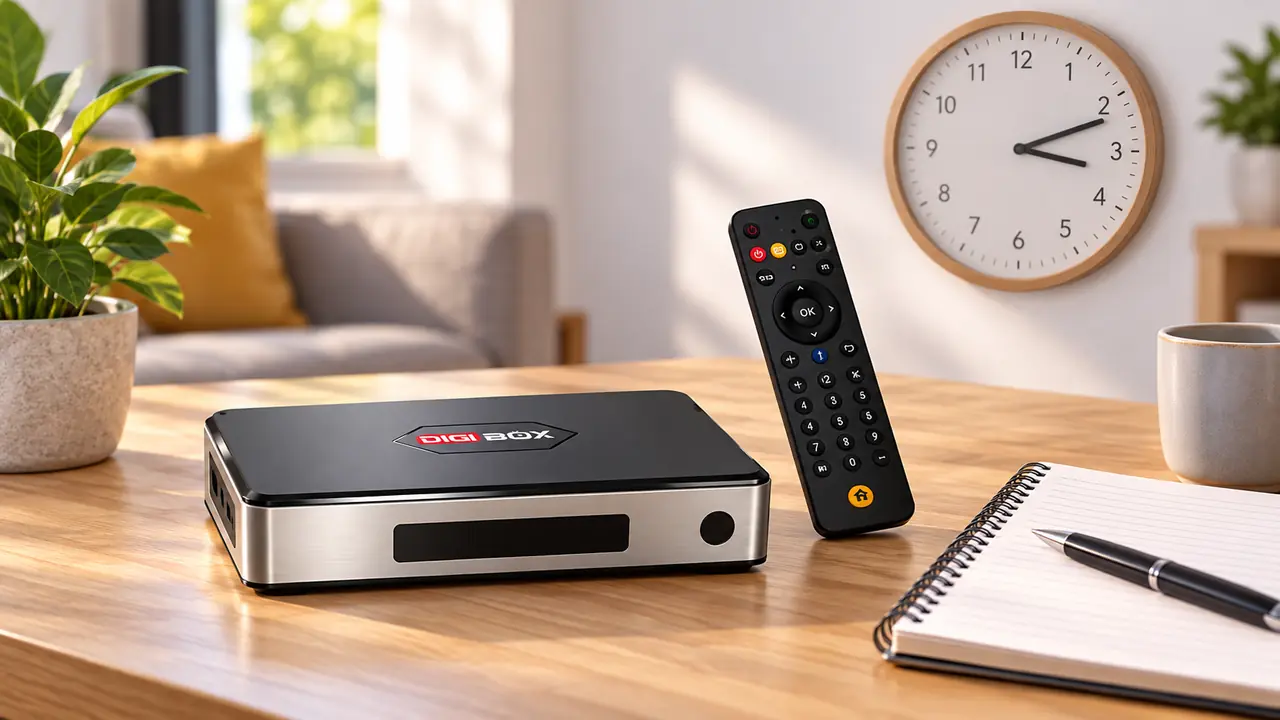
Prepare useful notes for support
Stop home troubleshooting if the adapter or box is physically damaged, unusually hot, swollen, discolored, or smells burnt. Also contact support when DIGIBOX D6 MAX keeps restarting with only the supplied power adapter and HDMI connected in a cool open area.
- Order number and purchase date
- Exact model name: DIGIBOX D6 MAX
- Television model and country or region
- When the restart occurs and how often
- Accessories connected when it happens
- A short video showing the restart pattern, if safe to record
DIGIBOX D6 MAX keeps restarting FAQ
Why does DIGIBOX D6 MAX restart as soon as it powers on?
Begin with the supplied adapter, a known working outlet, and a 60-second power cycle. Disconnect nonessential USB accessories. Persistent startup loops need authorized support.
Can a random USB-C charger cause restarting?
It can contribute to unstable power because USB-C chargers do not all provide the same profile. Use the supplied DIGIBOX adapter whenever possible.
Can poor ventilation cause a restart?
Heat and restricted airflow can affect electronics. Cool the box and retest it on a flat, open surface away from other hot equipment.
Should I reinstall firmware from the internet?
No. Use only built-in updates or model-specific instructions supplied by authorized support. Incorrect firmware can prevent normal startup.
Will a factory reset fix every restart loop?
No. It cannot fix power, cable, outlet, heat, or damaged-hardware problems and it removes personal settings. Treat it as a final software step.
Build a stable DIGIBOX setup from the start
If DIGIBOX D6 MAX keeps restarting after these controlled checks, use the current DIGIBOX store and support information before ordering or troubleshooting further. DIGIBOX D6 MAX offers built-in viewing options across broad content categories without a mandatory DIGIBOX monthly box fee; household internet and optional third-party subscriptions are separate.
Use discount code DG5 for 5% off your DIGIBOX D6 MAX order.