
Many people still have a perfectly working television but feel limited because it cannot access modern streaming services, online entertainment, or smart features. Replacing an old TV with a new Smart TV can be expensive, especially when the screen quality and hardware are still good.
A common question is: Can DIGIBOX turn an old TV into a Smart TV?
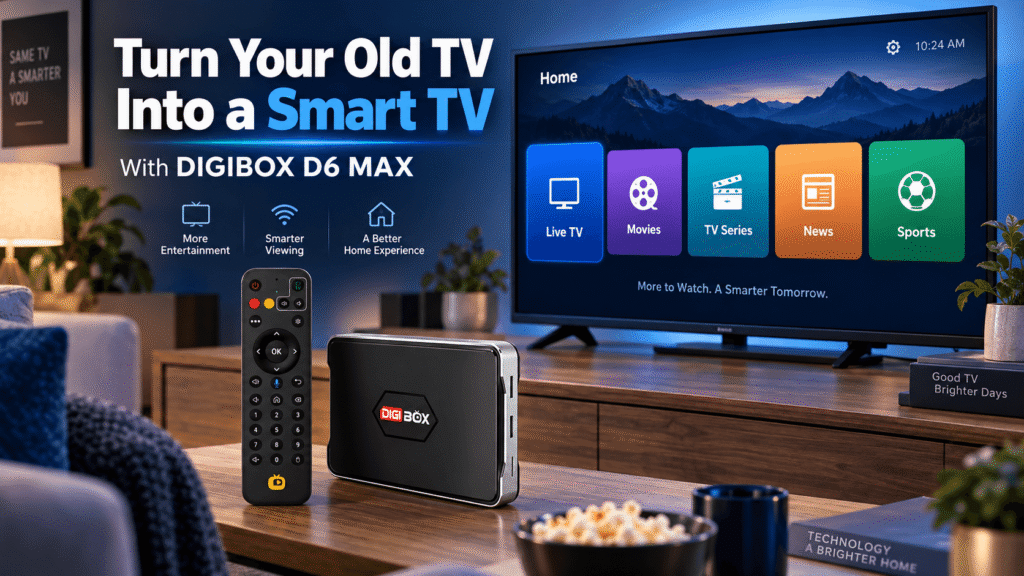
The answer is yes, in many cases. By connecting a DIGIBOX D6 MAX to a compatible television, you can add smart functions such as internet connectivity, built-in entertainment apps, live TV, movies, TV series, news, sports, and more without replacing your existing TV.
The DIGIBOX official website provides the latest information about DIGIBOX products, including the newest DIGIBOX D6 MAX. This guide explains how DIGIBOX upgrades a traditional TV, what you can watch, how setup works, and why many users choose a TV box instead of buying a completely new Smart TV.
What Makes a TV a Smart TV?
A traditional television mainly works as a display device. It can show content from HDMI devices, cable receivers, game consoles, Blu-ray players, and other external sources, but it usually does not provide internet-based entertainment features by itself.
A Smart TV adds additional functions, including:
- Internet connection through Wi-Fi or Ethernet
- Built-in applications
- Online video and entertainment services
- Digital content browsing
- Smart features controlled by a remote
However, owning an older TV does not mean you must replace it. A smart TV box such as DIGIBOX D6 MAX can add many of these features to an existing television.
Instead of purchasing a new screen, users can upgrade the entertainment system they already own.
Can DIGIBOX D6 MAX Turn an Old TV Into a Smart TV?
The DIGIBOX D6 MAX works by connecting your existing television with an external smart entertainment device.
The basic requirements are simple:
- A TV with an available HDMI input
- An internet connection
- DIGIBOX D6 MAX and remote control
After connecting the DIGIBOX D6 MAX through HDMI and connecting it to the internet, your traditional TV can gain access to a smart entertainment environment.
Instead of only watching traditional television channels, users can access built-in entertainment applications, online content categories, and additional compatible Android applications.
For users researching whether a DIGIBOX D6 MAX 8K streaming device can upgrade an older television, it is important to understand that hardware capability and content resolution are different things. The final video quality depends on the application, content provider, internet connection, and display capability.
How Does DIGIBOX D6 MAX Upgrade Your TV?
The process is simple and does not require replacing your existing television.
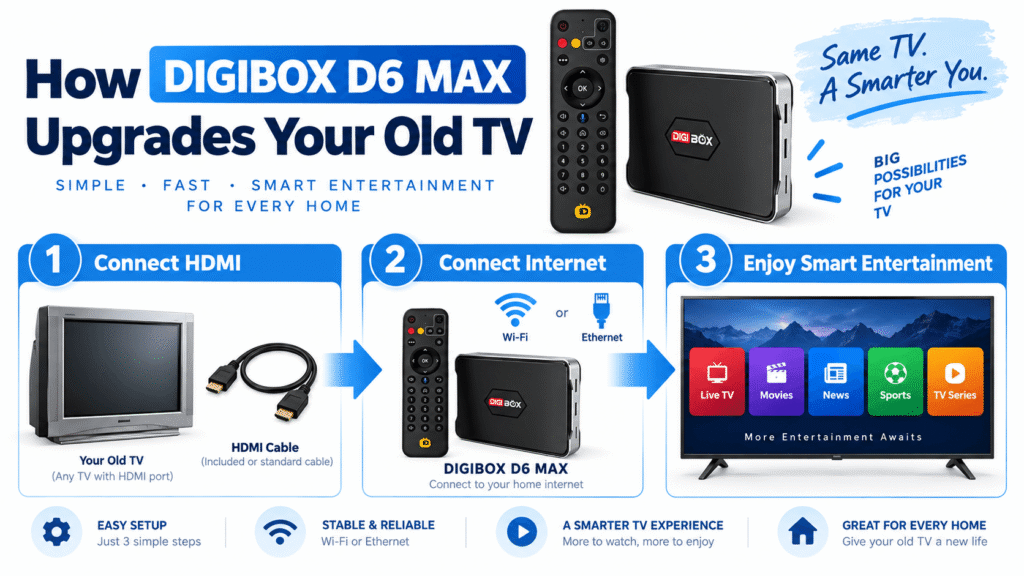
Step 1: Connect DIGIBOX to Your TV
Connect the DIGIBOX D6 MAX to your television using an HDMI cable. The TV acts as the display, while DIGIBOX provides the smart functions and entertainment system.
Once connected, switch the TV input source to the correct HDMI channel and you can begin the setup process.
Step 2: Connect DIGIBOX to the Internet
A smart entertainment device requires internet access. DIGIBOX D6 MAX supports wireless and wired network connections, allowing users to choose the setup that works best for their home.
A stable connection helps provide smoother streaming for live TV, movies, sports, and other online content.
If you experience connection problems, our DIGIBOX Wi-Fi vs Ethernet guide explains the difference between wireless and wired connections.
Step 3: Enjoy Smart Entertainment
After setup, DIGIBOX provides access to a more complete entertainment experience.
Unlike a basic Android box that requires users to start from an empty system, DIGIBOX includes built-in entertainment applications designed around different content categories.
Users can explore:
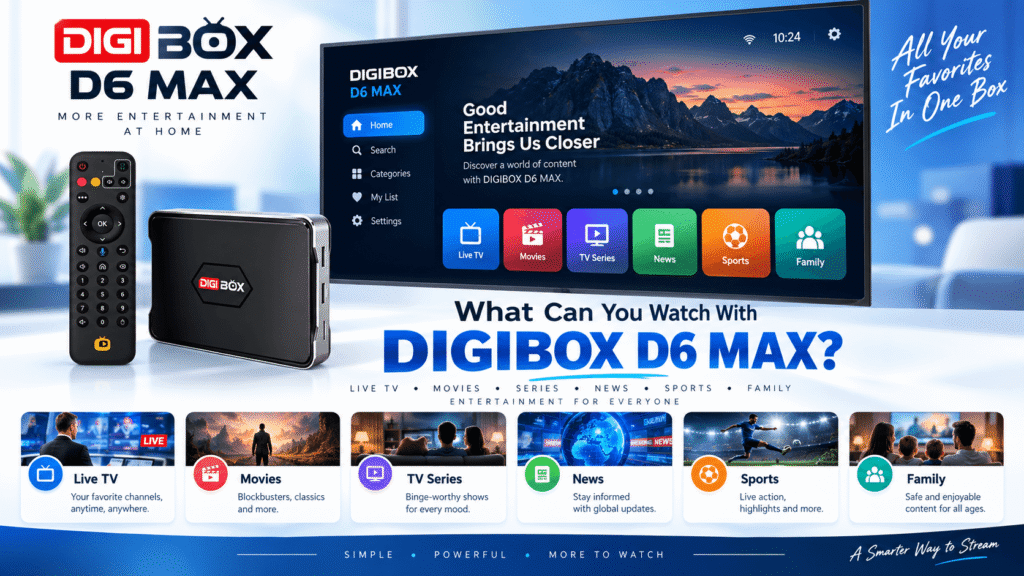
- Live TV channels
- Movies and TV series
- News programs
- Sports entertainment
- Variety shows
- Cartoons and family content
- International and multilingual entertainment
What Can You Watch After Adding DIGIBOX to an Old TV?
One of the main reasons users choose a DIGIBOX TV box is the variety of entertainment options available from one device.
The built-in DIGIBOX entertainment ecosystem provides convenient access to different types of content. Depending on the available applications and region, users can browse live and on-demand entertainment categories.
For example, families can enjoy:
Live TV
DIGIBOX provides access to live entertainment categories, allowing users to browse different channels and programs.
Movies and TV Series
Users can explore on-demand entertainment, including movies, dramas, and TV series categories.
News and International Content
For overseas families and multilingual households, DIGIBOX can provide easier access to entertainment from different languages and regions.
Sports and Family Entertainment
Sports programs, family content, cartoons, and other entertainment categories make DIGIBOX suitable for different viewing preferences.
You can learn more about available entertainment options in our guide: What Can You Watch on DIGIBOX D6 MAX?
DIGIBOX vs Buying a New Smart TV
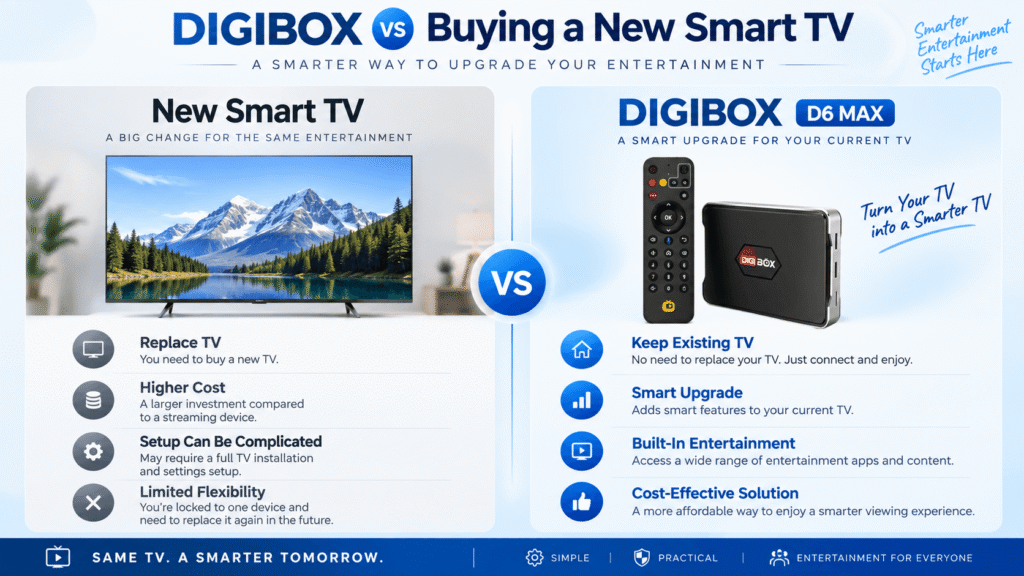
| Feature | New Smart TV | DIGIBOX D6 MAX |
|---|---|---|
| Replace existing TV | Yes | No |
| Upgrade old TV | Limited | Yes |
| Cost | Higher | Lower upgrade cost |
| Portability | No | Yes |
For users who already have a good television screen, adding a DIGIBOX can be a practical way to introduce smart features without purchasing an entirely new TV.
How to Set Up DIGIBOX D6 MAX on an Old TV
The setup process is straightforward:
- Connect DIGIBOX D6 MAX to your TV using HDMI.
- Connect the power adapter.
- Connect Wi-Fi or Ethernet.
- Complete the initial setup.
- Open built-in apps and start exploring entertainment.
For a detailed step-by-step guide, visit: How to Set Up DIGIBOX D6 MAX.
Does DIGIBOX Work With Any Old TV?
DIGIBOX D6 MAX works with many older televisions as long as they have a compatible HDMI input.
It can be used with many:
- LED TVs
- LCD TVs
- HD televisions
- Older flat-screen televisions with HDMI
If your television does not have HDMI, additional adapters may be required depending on the available ports.
Is DIGIBOX D6 MAX Worth Buying?
Whether DIGIBOX D6 MAX is worth buying depends on your entertainment needs.
It can be a good choice for users who:
- Want to upgrade an existing TV
- Prefer not to replace a working television
- Want built-in entertainment apps
- Enjoy international content
- Need a flexible home entertainment device
Before purchasing, you can also read our detailed DIGIBOX D6 MAX review to understand more about features and daily usage.
Is DIGIBOX Legal in the US?
Many buyers ask: is DIGIBOX legal in the US?
DIGIBOX is a hardware device. Users should use applications and services according to the rules and terms provided by each content provider.
The availability of third-party services, subscriptions, and regional content depends on the individual service provider.
For more information: Is DIGIBOX Legal in the US and Canada?
Final Thoughts
A working television does not always need to be replaced just because it lacks smart features. With a DIGIBOX D6 MAX, users can upgrade an existing TV into a smarter entertainment system with internet access, built-in apps, live TV, movies, TV series, news, sports, and international content.
The combination of built-in entertainment applications and Android flexibility makes DIGIBOX a convenient choice for families who want more from their current television.
Visit the DIGIBOX official website or explore available products through the DIGIBOX shop.
Get DIGIBOX D6 MAX Today
Upgrade your existing TV with DIGIBOX D6 MAX. The DIGIBOX Sale is now on, use the DIGIBOX D6 MAX coupon code DG8 to save 5% OFF.