
Taking a DIGIBOX D6 MAX on an RV trip can turn a small screen or projector into a flexible entertainment setup, but only when the network, power source, and viewing apps match the campsite. The practical approach is to plan for three connection options—campground Wi-Fi, a phone hotspot, and wired Ethernet—then keep a backup for evenings when the signal disappears.
The D6 MAX Android TV box is compact enough for travel and lists Wi-Fi 6, Gigabit Ethernet, Android 12, 4GB RAM, and 64GB storage. Those specifications help with connectivity and local media; they do not guarantee a particular channel, streaming subscription, or internet speed at every campground.
Contents
Best travel mindset: treat the DIGIBOX TV box as a flexible Android media device, not as a promise of unlimited campground channels. Test the service, signal, power adapter, and display together before relying on it for a long drive or remote stay.
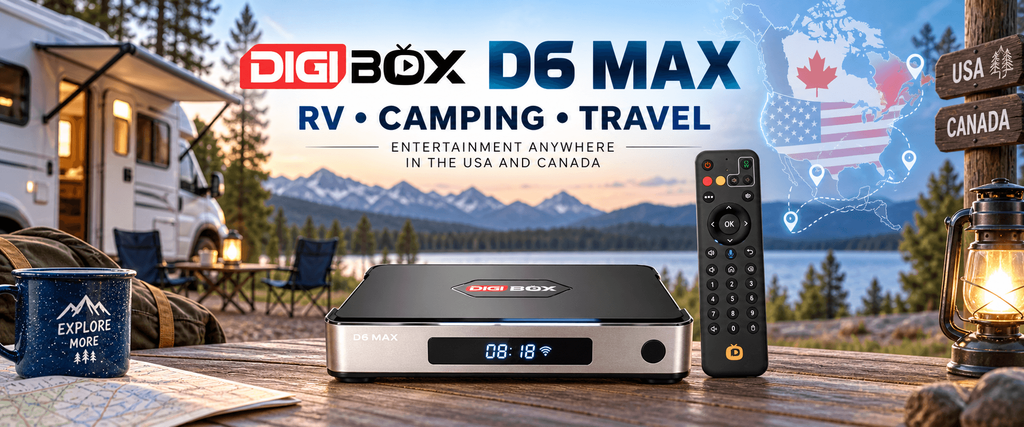
Is D6 MAX a good RV travel box?
A good RV media box should be easy to move, simple to reconnect, and useful on both strong and weak internet. D6 MAX fits that role when your main screen has HDMI, and you are comfortable choosing the right app for each service.
Its small footprint leaves room in a cabinet or travel case, while the voice-enabled remote can reduce typing on a TV screen. The built-in storage is also useful for apps and locally stored files, although you should keep enough free space for updates.
| Travel need | What D6 MAX can help with | What you still need to verify |
|---|---|---|
| Campground streaming | Wi-Fi 6 and Gigabit Ethernet options | Actual campground congestion and login rules |
| Small RV display | HDMI connection to a TV, monitor, or projector | Available HDMI input, cable length, and display power |
| Moving between sites | Android settings and familiar app layout | New Wi-Fi passwords and regional service rules |
| Family viewing | Voice search, favorites, and app-based playback | Captions, language options, and parental controls |
Before leaving home, review the D6 MAX setup guide and sign in to the services you are allowed to use. A five-minute test at home is cheaper than discovering a missing cable beside a lake.
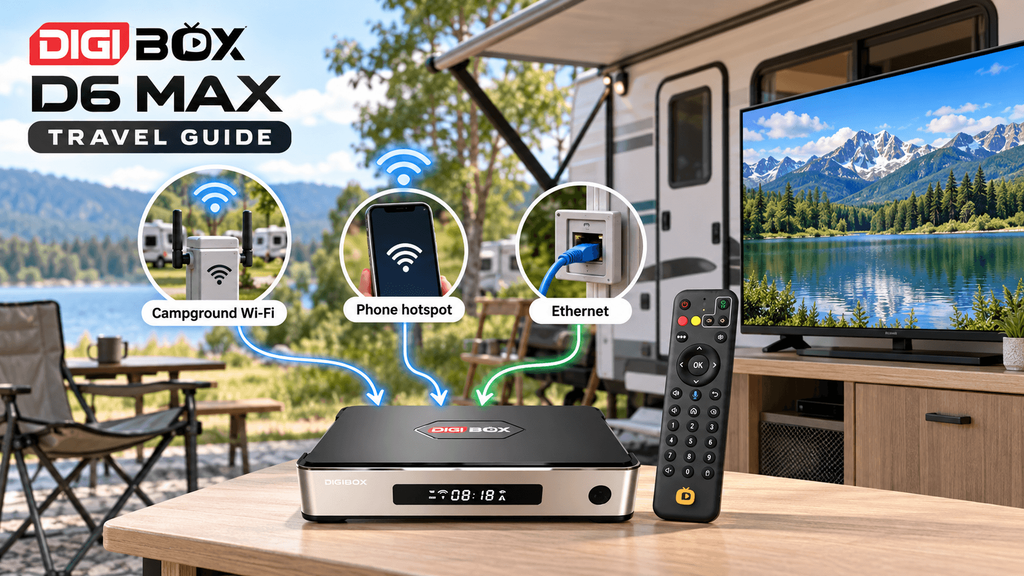
Choose the right RV internet connection
RV internet changes from site to site. A campground may advertise Wi-Fi while the usable signal is weak inside your vehicle, or the access point may slow down when many guests stream at night.
- Campground Wi-Fi: convenient when the network reaches your RV and accepts streaming devices. Ask whether a browser sign-in is required.
- Phone hotspot: useful for short sessions or a private connection. Check your plan’s tethering allowance and place the phone where it receives the strongest signal.
- Ethernet: often steadier when the site provides a live wired connection or your router has a LAN port. Carry a short cable and a backup Wi-Fi option.
When deciding between Wi-Fi and cable, our DIGIBOX Wi-Fi vs Ethernet comparison explains the trade-off in stability, placement, and setup effort.
How much campground speed do you need?
There is no single speed number that guarantees smooth playback. Distance from the access point, other guests, Wi-Fi interference, and the service’s own congestion can matter as much as the headline speed test.
Run a speed test near the TV, then repeat it during the evening when the campground is busy. If the result changes sharply, plan shorter viewing sessions, lower the app’s quality setting, or move to a wired connection where available.
Practical test: open the exact service you intend to watch, play a normal programme for ten minutes, pause and resume it, then test again after sunset. A fast result from a browser does not prove that every app will behave the same way.
Also check whether the network blocks device-to-device traffic or redirects every new device to a sign-in page. If the D6 MAX connects but apps cannot load, disconnect and reconnect after completing the campground’s access screen.
Connect a TV or HDMI projector
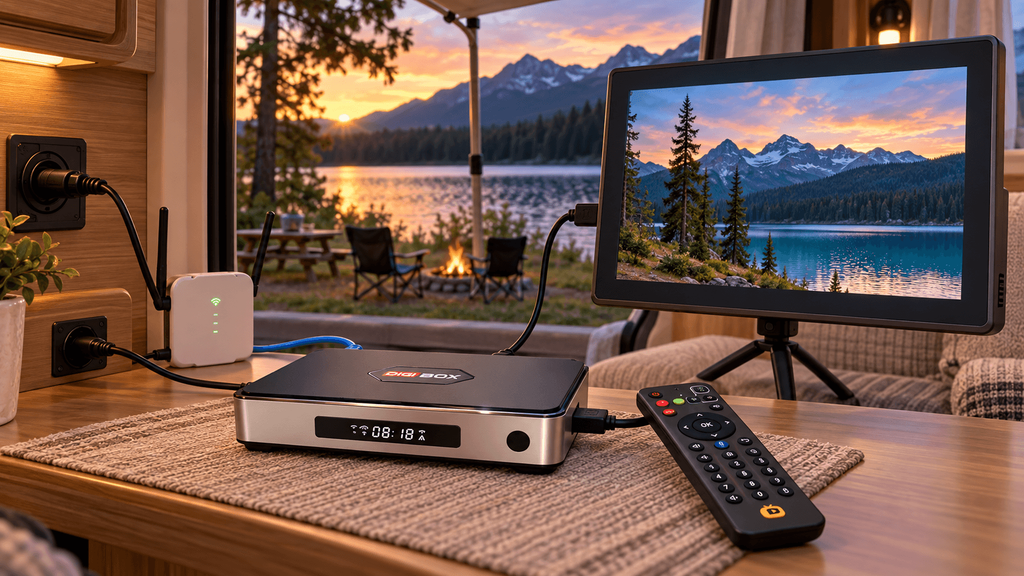
Most RV setups use a small HDMI television, portable monitor, or projector. Connect the D6 MAX directly to an available HDMI input, select that input on the display, and keep the box where the remote can reach it.
A projector can make a campsite evening feel like a larger home cinema, but it adds another power draw and may need a darker interior. Confirm the projector’s HDMI compatibility and place both devices on a stable surface so a moving vehicle cannot pull on the cable.
For app-specific questions, use the DIGIBOX streaming-app compatibility checks before assuming Netflix, Prime Video, or another service will play at a particular resolution.
12V and USB-C power checks
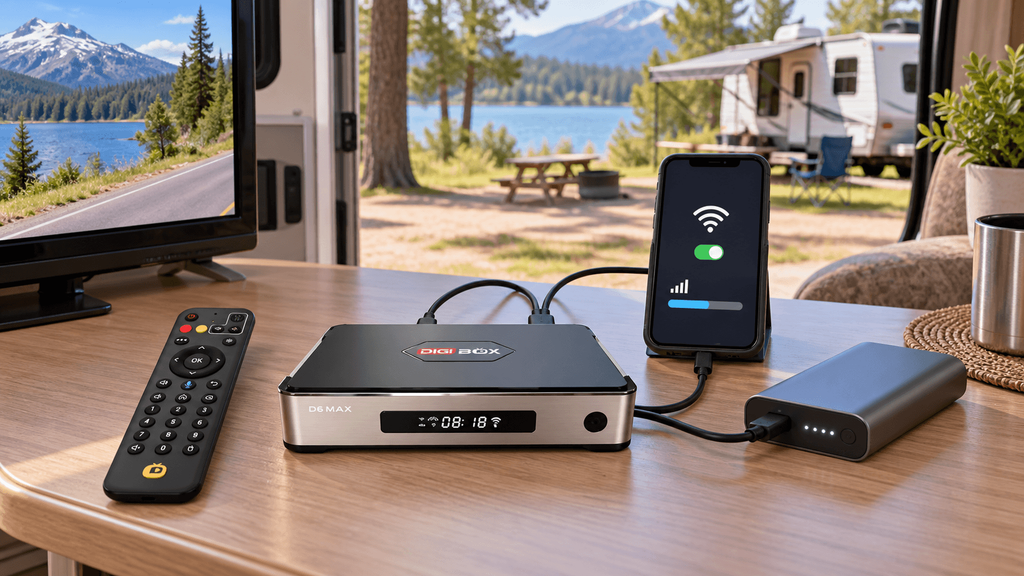
The D6 MAX uses a USB-C power connection, which is convenient for travel but does not mean every USB-C socket is suitable. A vehicle port, power bank, or inverter must provide the voltage and current required by the included adapter.
- Read the output rating printed on the D6 MAX adapter.
- Check the RV socket or power bank output before connecting it.
- Use a fused 12V adapter or a properly rated inverter when the original adapter cannot plug into your vehicle supply.
- Keep cables away from drawers, slide-outs, heaters, and walkways.
- Test the box for several minutes before packing the setup for travel.
Do not assume a phone charger, USB hub, or dashboard port can safely power the box. If the screen reboots or the image drops when another appliance starts, switch off the setup and reassess the power path.
The USB-IF USB Type-C guidance is a useful reminder that USB-C describes a connector shape; the power capability still depends on the equipment and cable.
What works without stable internet?
A DIGIBOX channel list or streaming app cannot load live content without a working connection. When the campground signal disappears, switch to content and functions that do not require continuous streaming.
- Play personal videos, music, and photos stored on approved local storage.
- Use the display for an HDMI source that does not depend on the D6 MAX network.
- Organize downloaded, legitimately licensed content in the apps that support offline playback.
- Use the box’s settings, file management, and local playback tools while waiting for service to return.
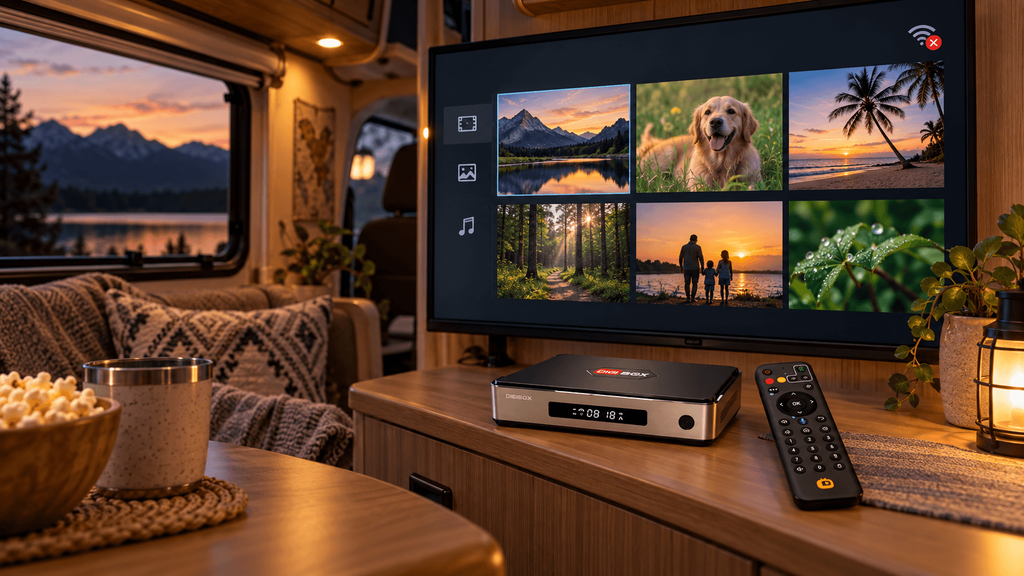
Download content before departure only when the provider permits it, and check how long offline access lasts. Our DIGIBOX FAQ explains why hardware ownership and third-party service access are separate questions.
Use a repeatable campsite setup routine
Save time by following the same order at every stop. Place the display first, connect HDMI, connect power, and then choose the strongest available network. Only after the box is stable should you sign in to apps or adjust picture settings.
- Confirm the RV is parked and the display has safe ventilation.
- Connect the D6 MAX to the display and its rated power source.
- Test campground Wi-Fi, then the phone hotspot, then Ethernet if available.
- Run the exact programme you plan to watch.
- Save a local fallback and pack the remote, HDMI cable, and adapter together.
Families who travel across the USA and Canada may also benefit from our guide to planning a TV setup for an overseas family, especially when language preferences and shared controls matter.
For additional setup and comparison articles, browse the DIGIBOX blog and guides. If a specific app or display remains unreliable after testing, contact DIGIBOX customer support with the model, error message, and connection type.
FAQ
Can I use DIGIBOX D6 MAX in an RV?
Yes, when you have a compatible HDMI display, a suitable power source, and an internet connection for the service you want to use. Test the complete setup before travelling.
Is a phone hotspot enough for a DIGIBOX TV box?
It can be for short viewing sessions, but performance depends on cellular signal, hotspot limits, data allowances, and nearby network demand.
Can I power D6 MAX directly from a 12V outlet?
Only through a correctly rated adapter or power solution that matches the D6 MAX requirements. Do not connect an unknown 12V-to-USB-C cable without checking its output.
Will a campground Wi-Fi login work automatically?
Not always. Some campgrounds use a browser-based access page or limit the number of devices. Complete the network’s sign-in process and test the apps afterward.
What can I watch when the RV has no stable internet?
Use personal media and legitimately downloaded content supported by your apps or local storage. Live channels and cloud services generally need an active connection.
Is D6 MAX suitable for a travel projector?
It can be, provided the projector accepts the HDMI output and both devices have stable power. Check brightness, screen placement, and cable security inside the RV.