
Want an easier way to watch NFL on your television? The DIGIBOX D6 MAX brings NFL viewing into the DIGIBOX channel experience through apps like CAT TV+, CAT LIVE, or CAT TELE. Instead of switching between several services, you can open the CAT interface, enter the sports section, and find available NFL channels with the supplied voice air-mouse remote.
This guide explains how NFL fans in the USA and Canada can use a DIGIBOX TV box for live games, channel browsing, and replay viewing. It focuses on the DIGIBOX system itself, including CAT LIVE, CAT TV+, CAT TV, and the seven-day CAT BACK replay feature.
Why DIGIBOX is convenient for NFL fans
The main advantage of a DIGIBOX is the organized live-TV experience. The DIGIBOX D6 MAX places sports and entertainment categories in one TV-friendly interface, so you can browse a DIGIBOX channel list with the remote instead of searching the web for separate game links.
- CAT LIVE: the live channel gateway for browsing current programming.
- CAT TV and CAT TV+: dedicated DIGIBOX viewing apps where available NFL and sports channels are organized.
- CAT BACK: DIGIBOX’s replay app, supporting up to seven days of program catch-up.
- DIGIBOX D6 MAX: the hardware platform with Wi-Fi 6, Gigabit Ethernet, 4GB RAM, 64GB storage, and a voice air-mouse remote.
How to find NFL channels in CAT TV+ and CAT LIVE
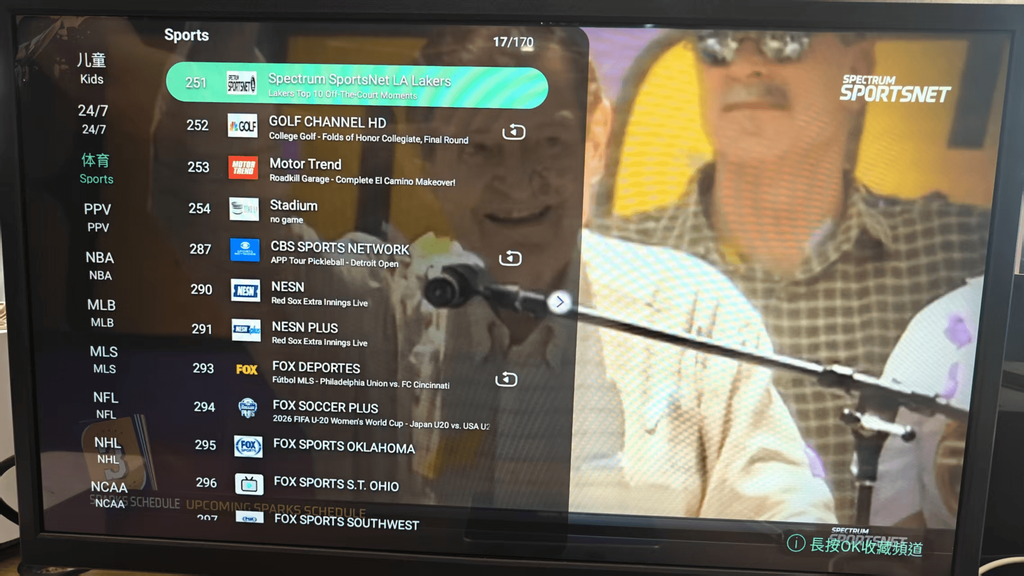
Turn on the DIGIBOX D6 MAX and open CAT TV+ or CAT LIVE from the main screen. Choose the live-TV or sports category, then scroll through the current channel guide. NFL listings may appear inside sports, football, or a regional channel group. You can also use the voice button on the remote to search for NFL.
CAT TV+ and CAT LIVE are designed to keep the channel experience simple. Once you find an NFL feed, press OK to open it, use the channel controls to move through nearby sports channels, and open the program guide to see what is scheduled next. This is the core DIGIBOX live channels workflow: open the CAT app, choose the category, and watch.
USA NFL viewing with DIGIBOX
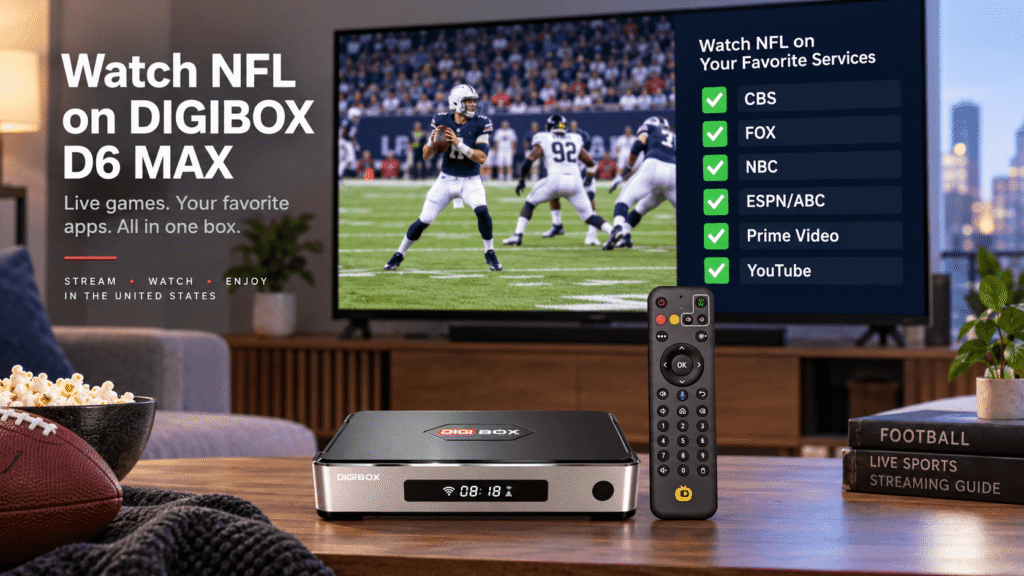
For viewers in the United States, CAT TV and CAT TV+ provide a convenient place to check the NFL sports lineup available on the D6 MAX. The guide can group football channels and related sports programming together, making it easier to move from a live game to pre-game coverage, analysis, or another matchup.
Canada NFL viewing with DIGIBOX
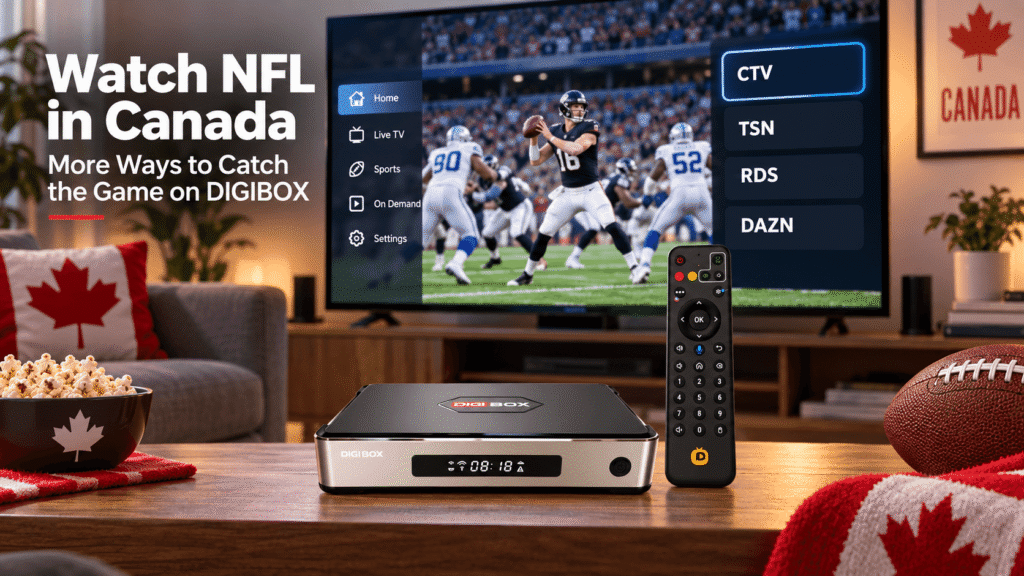
Canadian viewers can use the same CAT TV / CAT TV+ sports navigation on their DIGIBOX. The available regional feeds and language options may differ from the USA, so use the channel guide shown on your own device as the current reference. If one listing is not showing a game, check the surrounding sports channels and the schedule panel.
CAT BACK: replay NFL programs for up to 7 days
Live kickoff is not always convenient. Work, school, travel, or a time-zone difference can make it easy to miss a game. DIGIBOX solves that problem with CAT BACK, its dedicated replay application. CAT BACK supports up to seven days of program catch-up, so you can return to eligible NFL coverage after the original broadcast.
To use CAT BACK, open the app from the DIGIBOX home screen and browse the replay timeline or channel categories. Select the program you want, choose the available date, and press OK to start playback. The exact replay availability can depend on the current program schedule and service updates, but the seven-day window gives NFL viewers much more flexibility than live-only viewing.
Get smoother NFL playback on DIGIBOX D6 MAX
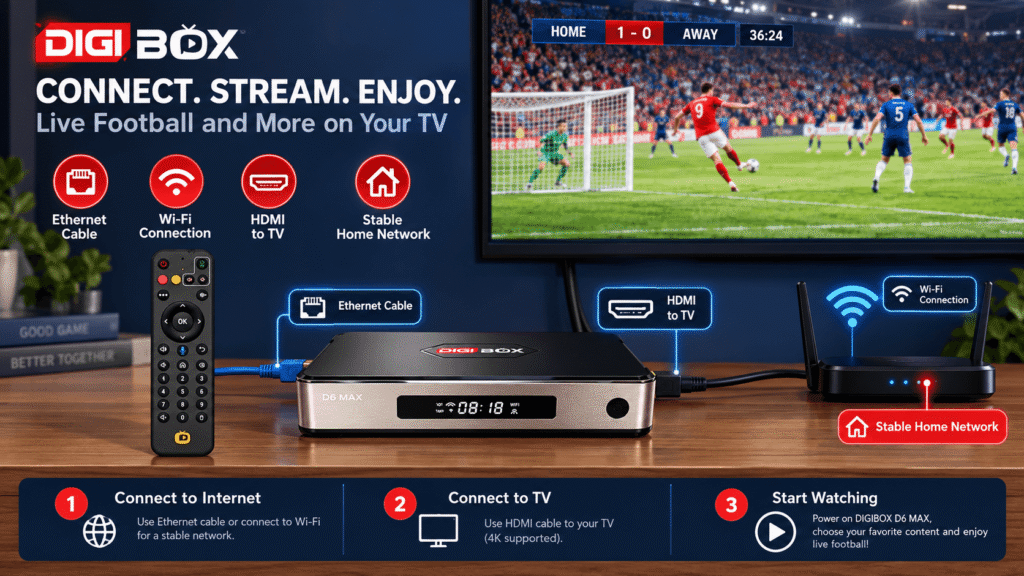
A live sports picture depends on the connection between your DIGIBOX and router. The D6 MAX supports dual-band Wi-Fi 6 and Gigabit Ethernet. Use Ethernet when your router is close; otherwise, place the box where the Wi-Fi signal is strong. These DIGIBOX Wi-Fi and Ethernet tips can help you choose the better setup.
- Connect the DIGIBOX D6 MAX to the correct HDMI input before kickoff.
- Restart the router if CAT TV playback pauses repeatedly.
- Pause large downloads or cloud backups during a live game.
- Keep the remote batteries fresh so voice search and channel changes respond quickly.
- Use CAT BACK when you want to watch later instead of repeatedly refreshing a live feed.
For a projector, connect the D6 MAX HDMI output to the projector, select the matching input, and check that both devices have stable power. The same CAT TV, CAT TV+, and CAT BACK navigation works on a compatible large-screen display.
How to use DIGIBOX for an NFL game
Use this simple routine:
- Power on the DIGIBOX D6 MAX and wait for the home screen.
- Open CAT TV, CAT TV+, or CAT LIVE.
- Enter Sports or search NFL with the voice remote.
- Select the available NFL channel and press OK.
- If you missed the live program, open CAT BACK and choose the replay date.
New owners can follow the D6 MAX setup guide for HDMI, network, remote, and first-start instructions. You do not need to build a separate list of random stream links; the CAT apps keep the DIGIBOX sports experience in one place.
What affects the current DIGIBOX NFL channel list?
The CAT TV and CAT TV+ lineup can be updated. Channel names, positions, languages, scheduled programs, and replay availability may change as the service is refreshed. For that reason, the channel guide on your own D6 MAX is the best way to check the current NFL selection in the USA or Canada.
This does not reduce the value of the system. It means your DIGIBOX channels list stays connected to the current CAT service instead of relying on an old screenshot. Open CAT LIVE before a game, review the sports category, and use CAT BACK when you need a seven-day replay option.
Frequently asked questions
Which DIGIBOX app do I use to watch NFL?
Start with CAT TV or CAT TV+. CAT LIVE provides the live-channel entry point, and the sports category shows the NFL listings available on your device.
Can CAT BACK replay an NFL program?
Yes. CAT BACK is DIGIBOX’s dedicated replay app and supports up to seven days of catch-up for eligible programs.
Do I need a separate app for every NFL channel?
No. The DIGIBOX experience is organized through CAT TV, CAT TV+, and CAT LIVE, so you can browse the available sports channels from the DIGIBOX interface.
Why is a channel missing from my list?
Refresh the guide and check the sports category again. Channel positions and programming can change with service updates or regional availability.
Where can I get help with my D6 MAX?
Review the DIGIBOX FAQ or contact DIGIBOX support with your model and the CAT app or channel name.
Watch NFL your way with DIGIBOX
With CAT TV and CAT TV+, NFL viewing is organized around the DIGIBOX itself. Open CAT LIVE for current sports channels, use the voice remote to find football, and turn to CAT BACK when you want to replay eligible programming for up to seven days. The DIGIBOX D6 MAX gives USA and Canada households one straightforward place to watch, browse, and catch up.
Visit the DIGIBOX official store for current D6 MAX details, or browse more sports and setup advice in the DIGIBOX blog.