
A television gift is useful only when it fits the room and the person using it. If you are considering a DIGIBOX D6 MAX gift for a parent, partner, student, or newly settled household, check the screen, internet connection, and everyday viewing habits before you wrap the box. The DIGIBOX official store explains the retailer’s support and ordering policies.
The DIGIBOX D6 MAX Android TV box listing gives the current hardware and package details. Read it before making a gift plan around a particular accessory or feature.
This guide is a practical gift decision, not a promise that every channel or third-party service will work everywhere. A few minutes spent matching the device to the recipient can make the difference between a welcome living-room upgrade and a box that stays in its packaging.
Start with the recipient, not the specification sheet
Think about when the person actually watches television. Someone who wants news, sport, films, series, documentaries, and animation may appreciate the range of viewing options offered through DIGIBOX’s built-in apps. Someone who mainly wants one particular third-party service needs a compatibility check for that service, account, and region. The DIGIBOX viewing-content guide is a useful place to map interests to the device without assuming a fixed channel lineup.
Also consider how comfortable the recipient is with a remote. The DIGIBOX D6 MAX comes with a Bluetooth voice Air Mouse remote with backlit keys and shortcut controls. Those features can make navigation easier, but a first-time user may still appreciate a short note explaining which TV input to select and where to ask for help.
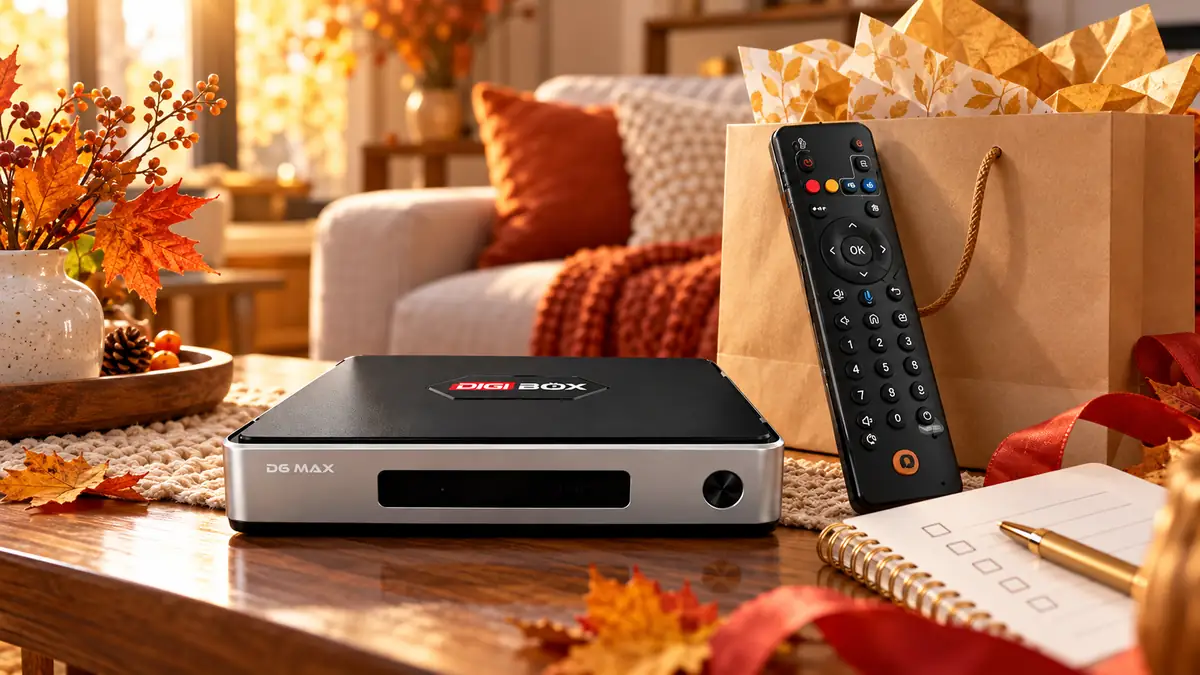
Three checks before buying a DIGIBOX D6 MAX gift
| Check | What to confirm | Why it matters |
|---|---|---|
| Display | A free HDMI input on the television, monitor, or projector | The box sends its picture through HDMI; older non-HDMI displays may need an active converter. |
| Internet | Usable home Wi-Fi or a practical Ethernet route | Internet-based apps and live viewing depend on a stable connection. |
| Viewing priorities | The recipient’s must-have programs, languages, and services | App, account, and regional availability can differ; a hardware purchase does not guarantee every title. |
A DIGIBOX D6 MAX gift also needs a dependable network. The device supports dual-band Wi-Fi 6 and Gigabit Ethernet, so the recipient can choose the connection that suits the room. Do not treat the Wi-Fi 6 label as a guarantee of perfect campground, apartment, or shared-house internet. Ask whether the router is nearby and whether the home already struggles with streaming.
Check HDMI before ordering for an older TV. An available port is more useful than simply knowing the screen is called “smart.” If the person already has a modern smart TV, the gift may still make sense for different controls, storage, and DIGIBOX viewing options; it is worth asking which problem they want the new box to solve.
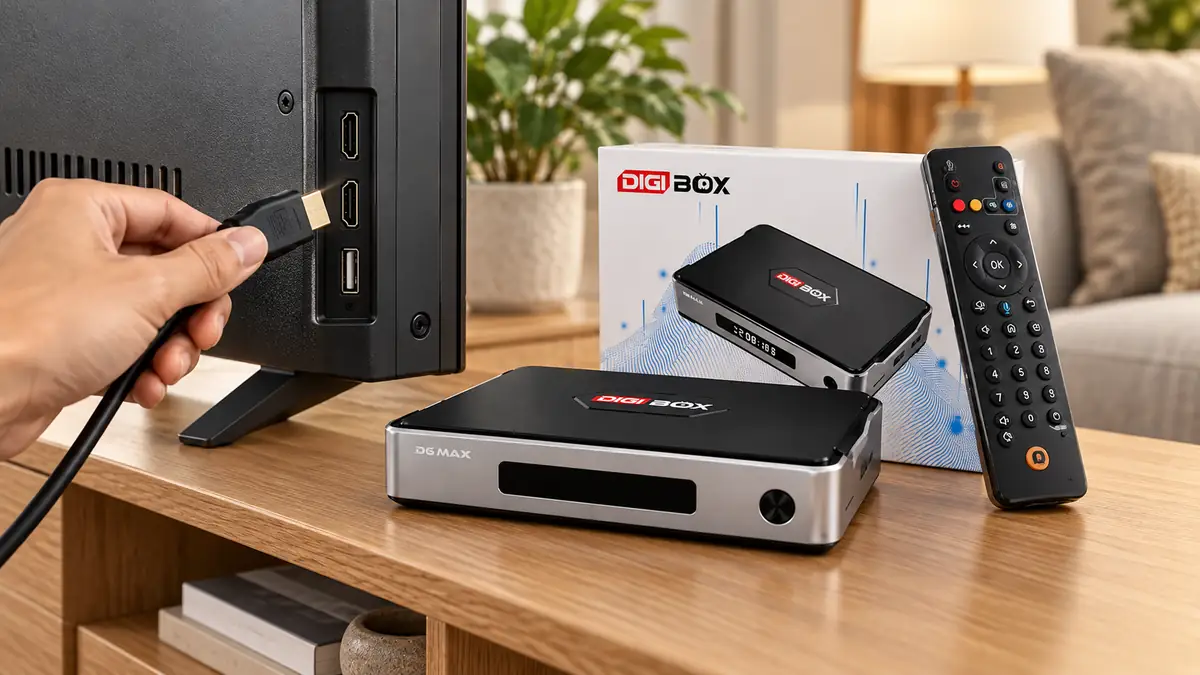
What arrives with the DIGIBOX D6 MAX?
The current product page lists the DIGIBOX D6 MAX box, Bluetooth voice Air Mouse remote, USB-C power adapter, and user manual in the original retail package. It also advertises three promotional bonus items: a wireless mini keyboard, an 8K HDMI cable, and a remote protective cover. Promotional extras may change, so read the product listing at the moment you order instead of writing an old bundle description on a gift card.
Remote batteries are not included according to the product page. If you want the recipient to set up the box immediately, include the correct batteries after confirming the remote’s requirements. Keep the order confirmation and serial number as well; they can simplify an eligible return or warranty request later.
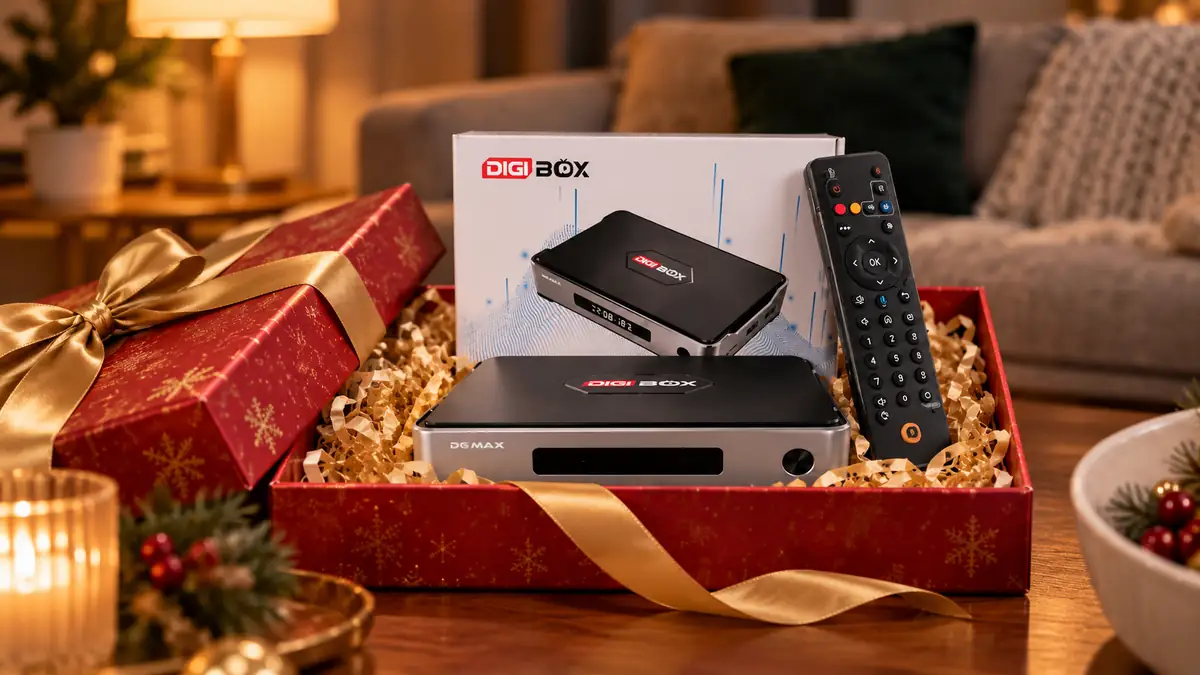
Budget for the whole experience
The DIGIBOX D6 MAX is a one-time hardware purchase from this store, and DIGIBOX itself does not require a monthly subscription simply to own the box. On official website orders, the customer pays the TV box price without additional tax, shipping, delivery, or other checkout charges under the store’s stated policy. The price shown on the product page can change, so use the current checkout total rather than an old article as your final price reference.
That does not erase the household’s internet bill or any optional third-party subscriptions the recipient chooses. If a particular outside app is essential to the gift, check its current fees and device requirements independently. The DIGIBOX monthly-cost explainer separates the box’s own charge from those unrelated services.
For a purchase from this retailer, use the genuine-product listing rather than an anonymous marketplace photo. The genuine DIGIBOX buying guide explains why the seller, receipt, and support path matter after the gift is opened.
Choose the gift recipient’s first evening
For an older parent, make the first viewing session easy: choose a visible HDMI input, connect the supplied power adapter, write down the Wi-Fi details privately for them, and show how to return to the TV’s normal input. A DIGIBOX D6 MAX gift works better when the first hour feels simple. The guide for elderly parents covers the human side of making a TV box comfortable rather than turning the gift into an electronics lesson.
For a student or someone moving home, ask about network access and the available display before shipping the gift. A compact box is easy to carry, but it still needs compatible power, HDMI, and a stable network for online viewing. A handwritten “start here” card can be more valuable than another accessory.
Test your plan against the DIGIBOX D6 MAX buyer’s assessment if you are still unsure whether the hardware fits that household. The point is to make the recipient’s actual use case the reason for buying, rather than to buy based on a specification number alone.
Five quick questions before you wrap it
Will it work with a non-smart TV?
Usually, if the TV has a compatible HDMI input. An older display without HDMI needs a separate active converter, and compatibility is not guaranteed.
Does the recipient need a DIGIBOX monthly plan?
No mandatory DIGIBOX monthly subscription is required simply to own and use the hardware. Internet service and optional outside apps can have their own charges.
Can I promise a particular channel as part of the gift?
Avoid promising a named channel or permanent program library without checking current app and regional availability. Hardware specifications alone do not verify content rights.
What if the recipient needs help setting it up?
Orders from this authorized retailer include order and basic setup support. Keep the purchase email so the recipient can identify the order when contacting the store.
What is the return and warranty window?
The current FAQ states a 30-day eligible return request window and a one-year limited hardware warranty for qualifying purchases from this store. Review the full policy and gift timing before ordering.
Make the decision with the recipient in mind
The best DIGIBOX D6 MAX gift is one that suits a real screen, a real network, and a real person’s viewing routine. Review the DIGIBOX store’s current support information before choosing the purchase date.
Check the DIGIBOX D6 MAX package and specifications at the time you order.
For the first evening, the first-time setup walkthrough gives the recipient a simple next step.
Use code DG5 for 5% off the DIGIBOX D6 MAX at checkout.